Chapter 3: Keeping in touch
52
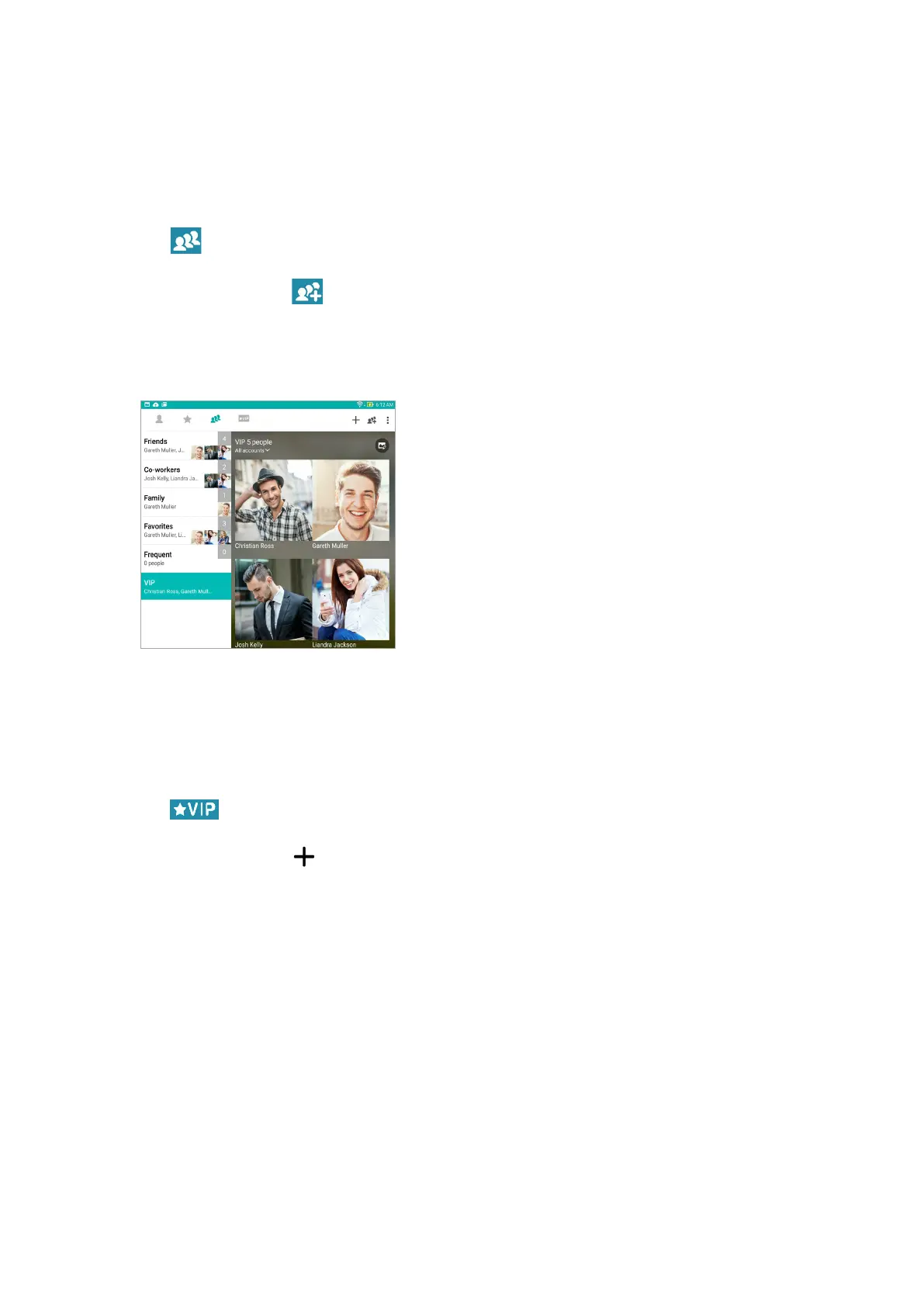
Set up your VIP from the Groups screen
To set up your VIP from the Groups screen:
1. Launch the Contacts app.
2. Tap > VIP.
3. In the VIP screen, tap .
4. Select the contact or contacts you want to group as VIPs, then tap Add. The contact or contacts
are added to your VIP list.
Set up your VIP from the VIP screen
To set up your VIP from the VIP screen:
1. Launch the Contacts app.
2. Tap .
3. In the VIP screen, tap .
4. Select the contact or contacts you want to group as VIPs, then tap Add. The contact or contacts
are added to your VIP list.



 To Next Page