Chapter 1: Get your Zen ready!
24
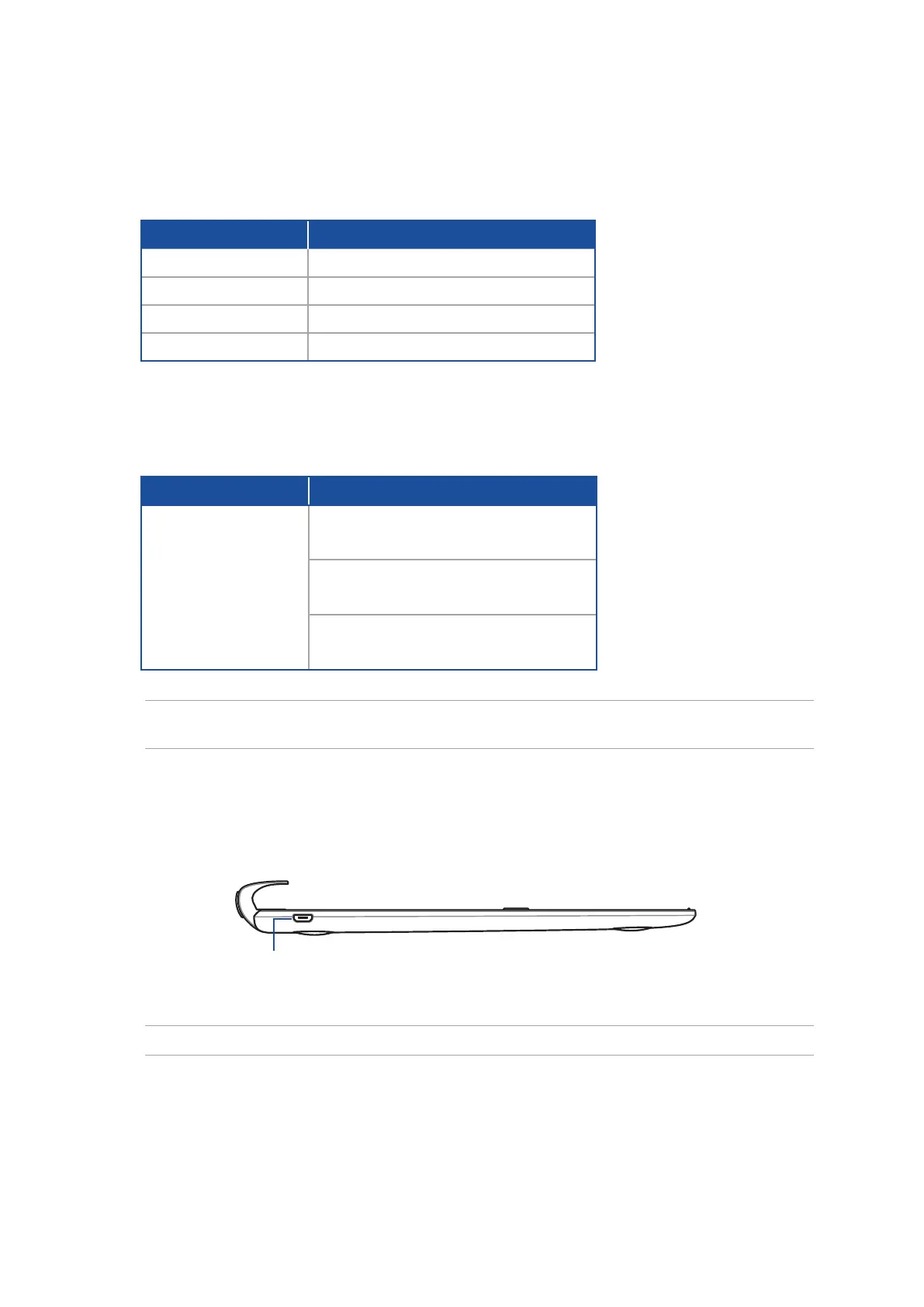
Micro USB port
NOTE: This port is for charging only, not for data transfer.
Color
Status
Solid Green
Fully Charged
Solid Orange
Charging
Blinking Orange
Low Battery
Lights o
Battery mode
Two-color battery charge indicator
The two-color LED provides a visual indication of the battery’s charge status. Refer to the following
table for details:
Left View
Keyboard and Audio indicator
Color
Status
Blinking Blue
1. Power on
(lights o after two (2) seconds)
2. Pairing successful
(lights o after two (2) seconds)
3. Speaker on
(ashes once per ve (5) seconds)
The LED provides a visual indication of the pairing status. Refer to the following table for details:
NOTE: In the event that your device becomes unresponsive to the pairing procedure after two (2)
minutes, release and slide the Bluetooth pairing switch to the right again.



 To Next Page