Chapter 11: Maintain your Zen
144
Password
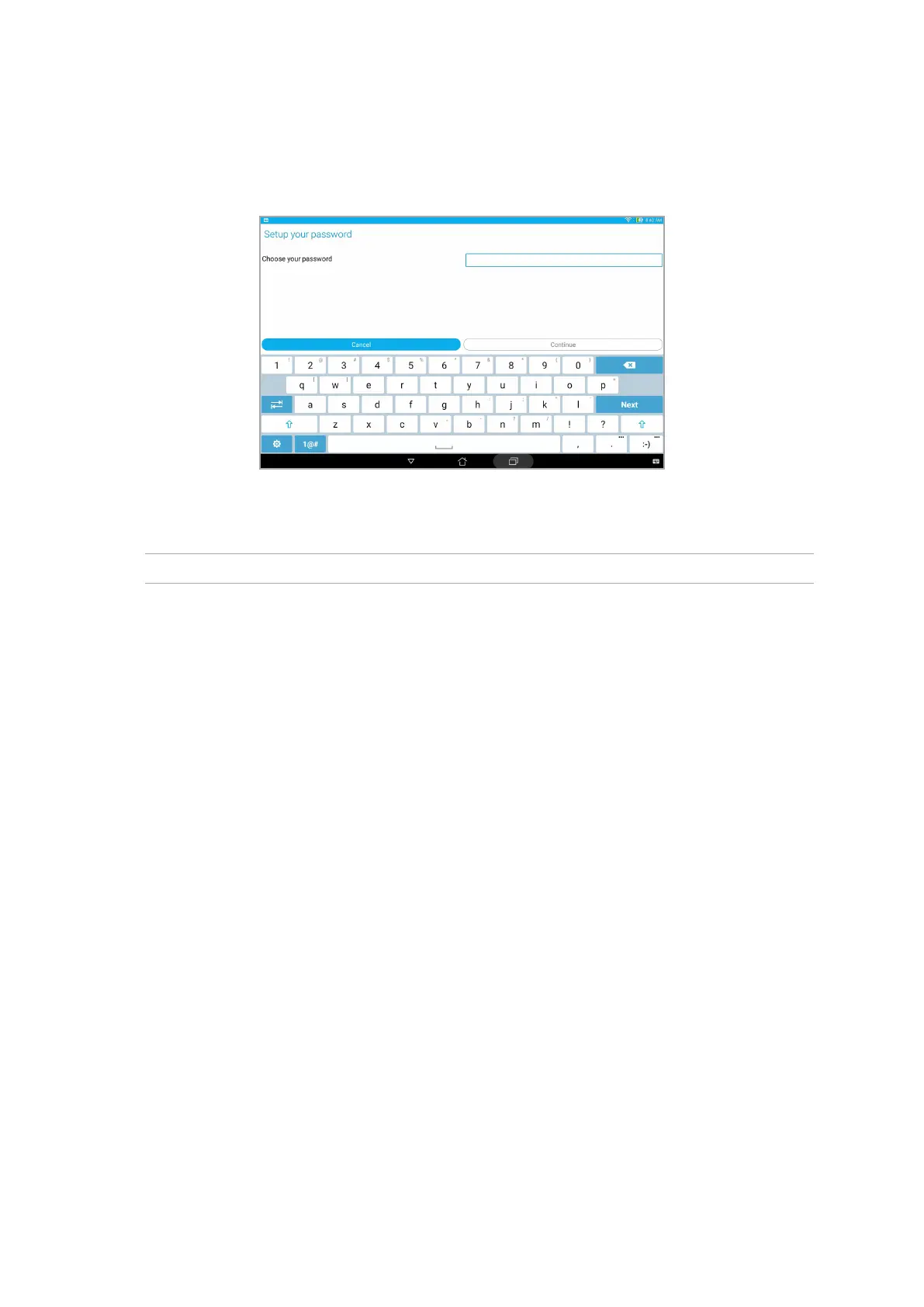
Key in at least four characters to create a password.
IMPORTANT! Ensure to remember the password that you created to unlock your device.
Conguring the other screen security features
Aside from the mode of screen lock, you can also do the following on the Lock screen window:
• Quick Access: Slide the Quick Access switch to ON to launch apps on the lock screen.
• Instant camera: Slide the Instant camera switch to ON to launch the Camera app even if your
ASUS Tablet is in idle mode by pressing the volume button twice.
• Owner info: Tap this to edit and key in the information that you want to appear even when
your screen is locked.



 To Next Page