Chapter 1: Get your Zen ready!
32
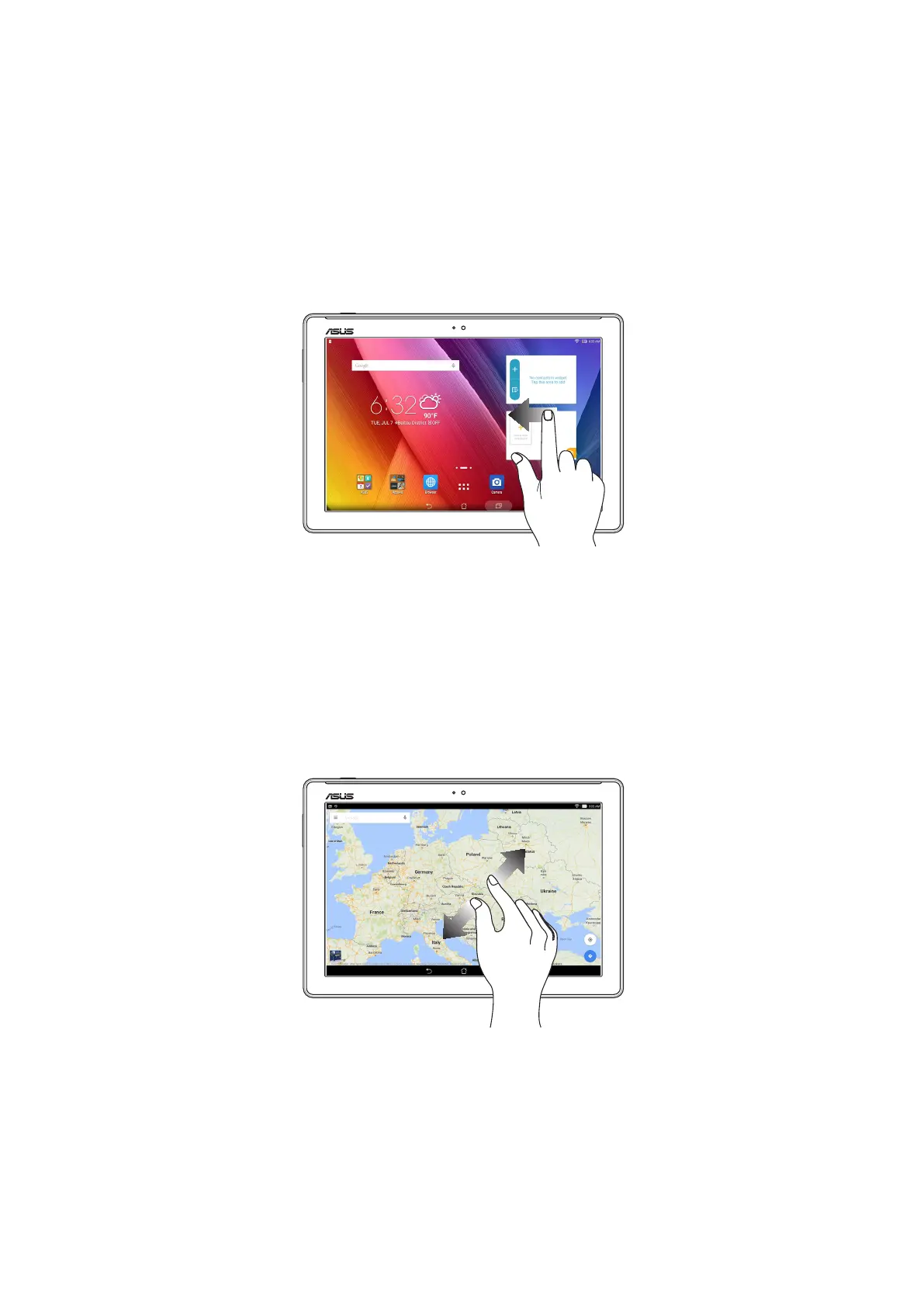
Moving through pages or screens
Do any of the following:
• Swipeyourngertotheleftortotherighttoswitchbetweenscreensortoipthrougha
gallery of images.
• Scrollyourngerupordowntogothroughwebpagesorlistofitems.
Zooming in
Spread apart your two ngers on the touch panel to zoom in an image in Gallery or Maps, or zoom
in a web page.



 To Next Page