ASUS P6X58D-E 5-11
Chapter 5
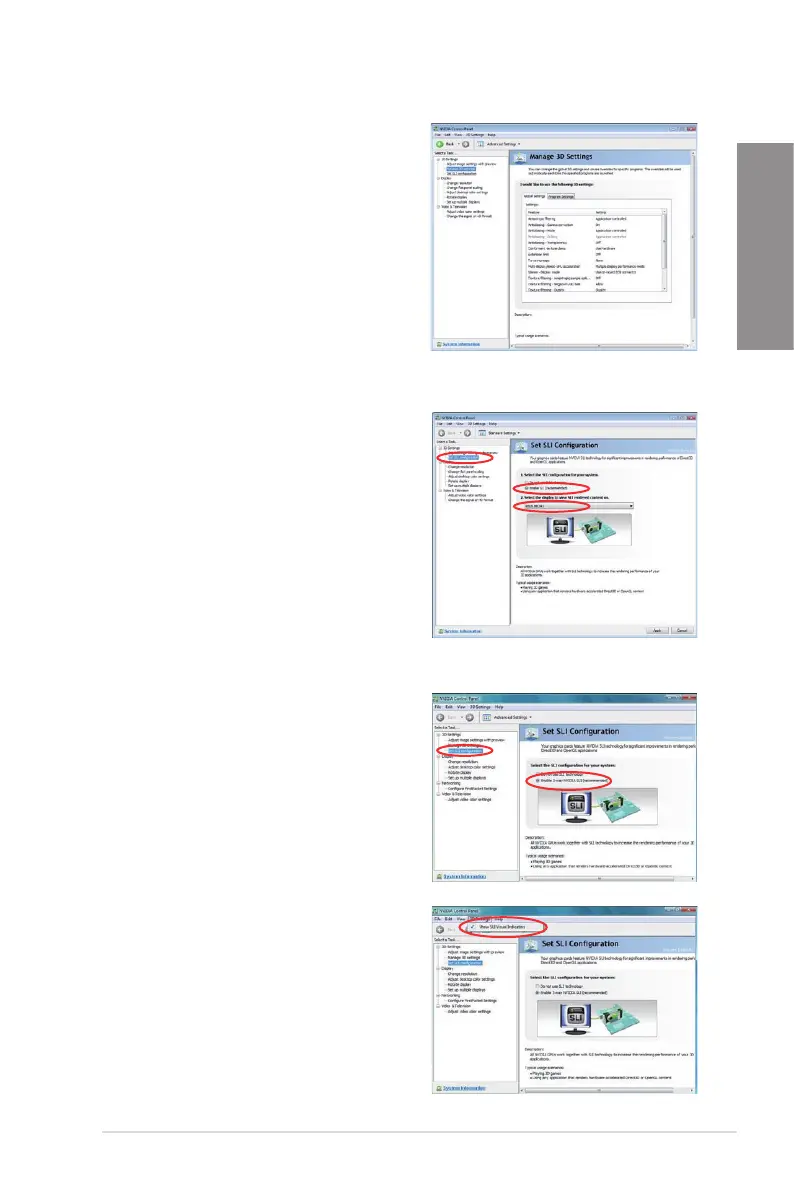
B5. The NVIDIA Control Panel window appears.
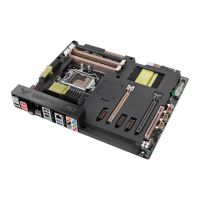
Enabling Dual SLI settings
From the NVIDIA Control Panel window, select Set
SLI Conguration. Click Enable SLI and set the
display for viewing SLI rendered content. When
done, click Apply.
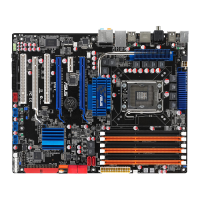
Enabling Triple SLI settings
1. From the NVIDIA Control Panel window,
select Set SLI Conguration, and then click
Enable 3-way NVIDIA SLI. When done,
click Apply.
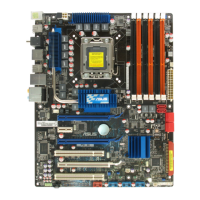
2. Select the 3D Settings tab and enable the
Show SLI Visual Indicators item.
When this item is enabled, a green bar
appears on the left side of the screen while
3D demonstrations are rendered, indicating
the 3-way SLI status.








 To Next Page