2-22
Chapter 2: Hardware information
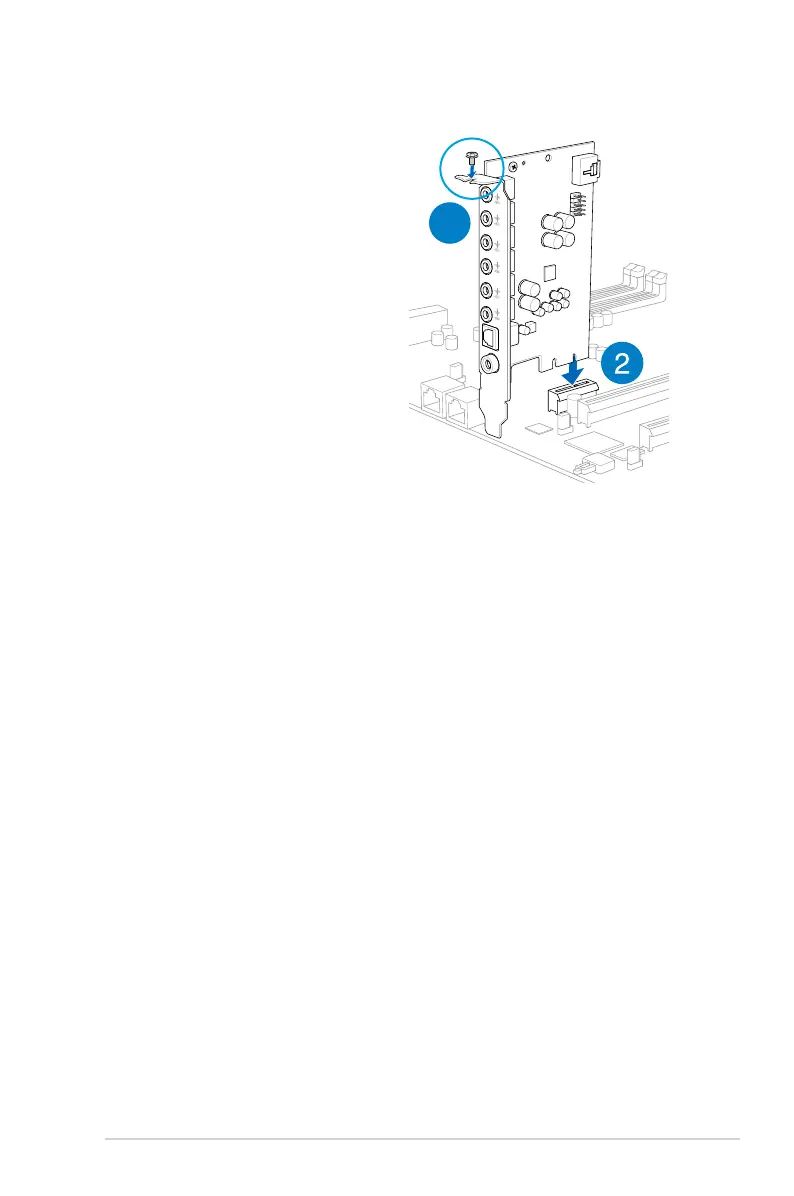
2.5.12 Installing the Audio card
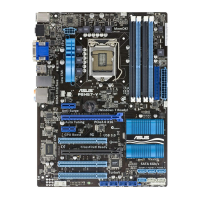
1. Locate the MIO card slot on the
motherboard and align the golden fingers
of the audio card with the MIO card slot.
2. Insert the audio card into the MIO slot
on the motherboard. Ensure that it is
completely seated on the card slot.
3. Secure the audio card to the chassis
with a screw.
3



 To Next Page