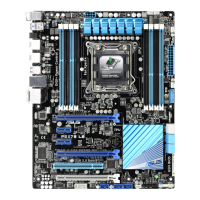
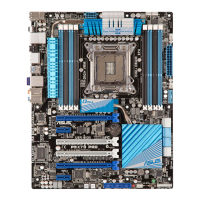
ASUS P9D-E/4L
4-23
4.4.9 WHEA Support
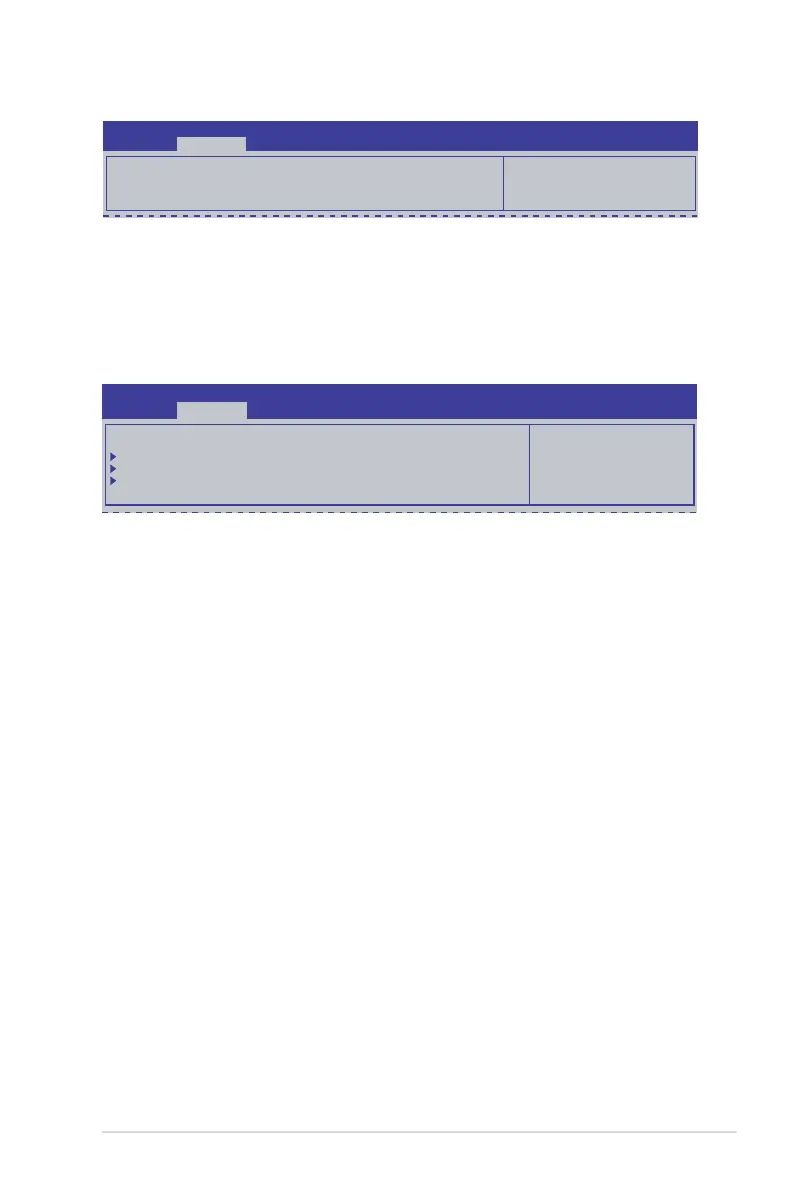
WHEA [Enabled]
Allows you to enable or disable the Windows
®
Hardware Error Architecture (WHEA)
support. Configuration options: [Disabled] [Enabled]
Aptio Setup Utility - Copyright (C) 2013 American Megatrends, Inc.
Advanced
Enables or disable
Windows Hardware Error
Architecture.
WHEA Support [Enabled]
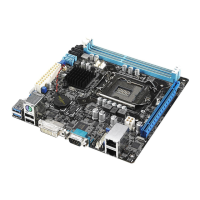
4.4.10 NCT6779D Super IO Conguration
Serial Port 1/2 Conguration
The sub-items in this menu allows you to set the parameters of the Serial Port 1
(COM1) and the Serial Port 2 (COM2).
Serial Port [Enabled]
Allows you to enable or disable the serial port (COM 1/2). Configuration options: [Enabled]
[Disabled]
Change Settings [Auto]
This item only appears when you set the Serial Port to [Enabled]. This item allows you to
select the serial port base address. Configuration options:
[Auto]
[IO=3F8h; IRQ=4]
[IO=3F8h: IRQ=3, 4, 5, 6, 7, 10, 11, 12]
[IO=2F8h; IRQ=3, 4, 5, 6, 7, 10, 11, 12]
[IO=3E8h; IRQ=3, 4, 5, 6, 7, 10, 11, 12]
[IO=2E8h; IRQ=3, 4, 5, 6, 7, 10, 11, 12]
[IO=2E8h; IRQ=3, 4, 5, 6, 7, 10, 11, 12]
Aptio Setup Utility - Copyright (C) 2013 American Megatrends, Inc.
Advanced
Set Parameters of
Serial Port 1 (COM1)
NCT6779D Super IO Conguration
Serial Port 1 Conguration
Serial Port 2 Conguration
Parallel Port Conguration



 To Next Page