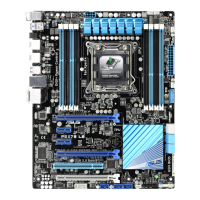
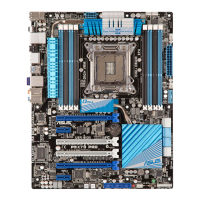
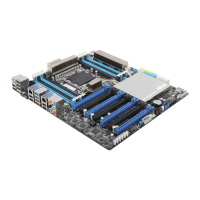
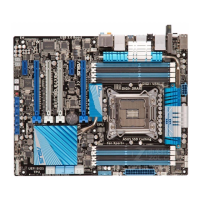
ASUS P9D-E/4L
2-37
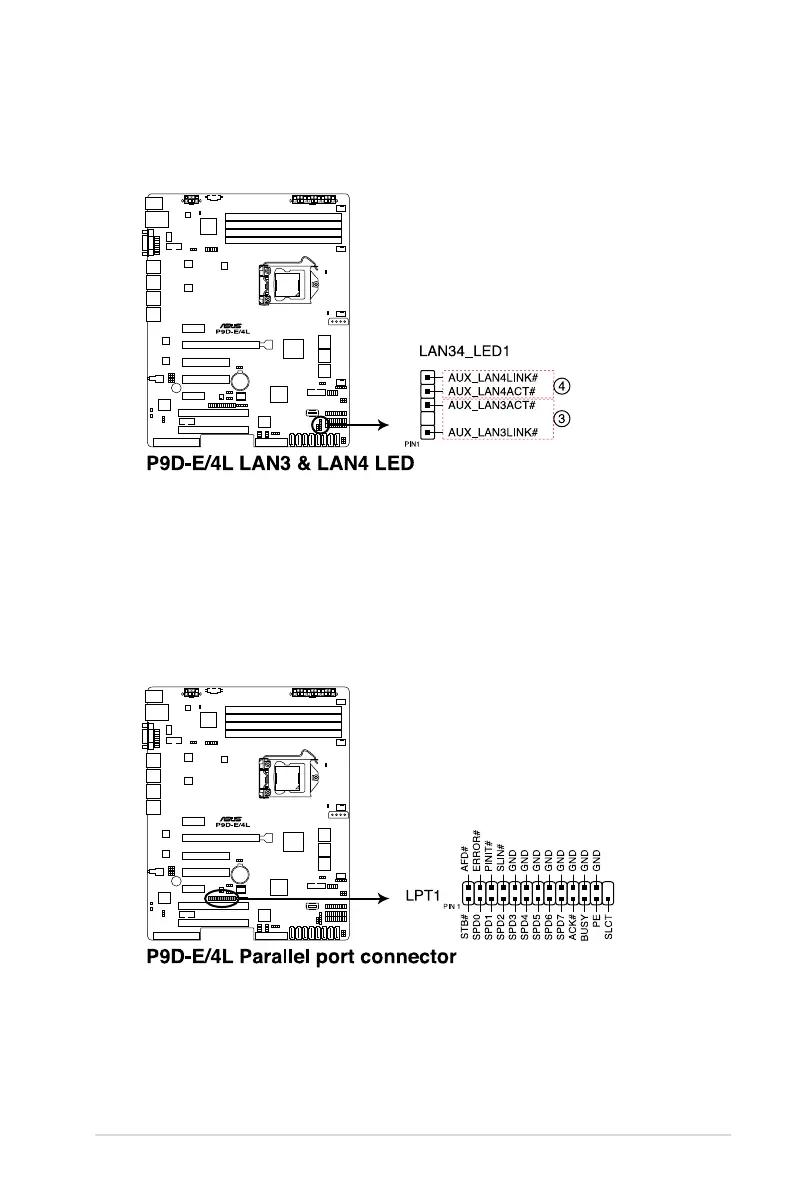
13. LAN34_LED connector (5-1 pin LAN34_LED1)
These LEDs are for Gigabit LAN activity LEDs on the front panel. Connect the LAN LED
cable to the backplane for LAN activity indication.
14. Parallel port connector (26-1 pin LPT1)
This connector is for the parallel port. Connect the parallel port module cable to this
connector, then install the module to a slot opening at the back of the system chassis.



 To Next Page