Chapter 2
16 ASUS WLAN Adapter
Chapter 2 - Installation
Installation
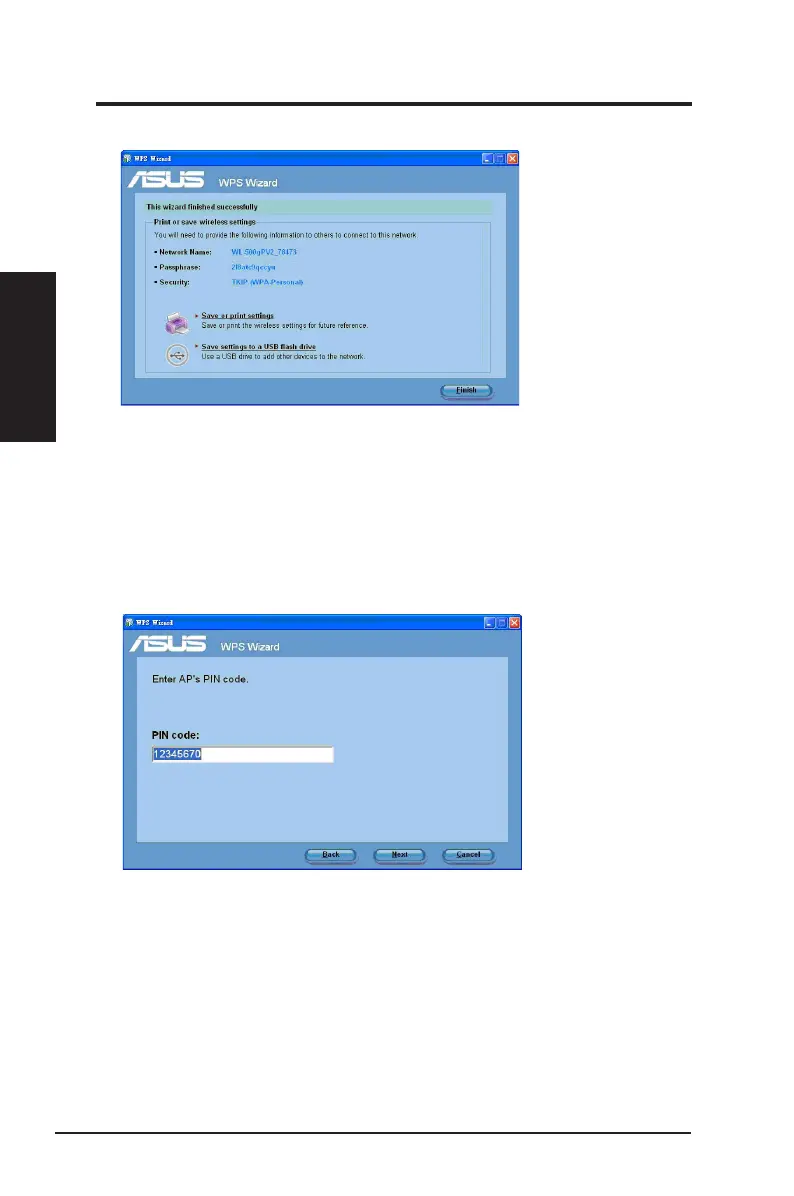
6. WPS Wizard is completed. Click
Finish
to close the WPS Wizard.
Using the PIN code on an uncongured router
To use the PIN code on an uncongured router:
1. Follow steps 1-3 in
Connecting via the PIN code
.
2. If your selected router's status is
Uncongured
, the WPS Wizard screen below
appears. Key in the PIN code in this screen. Click
Next
.



 To Next Page