16
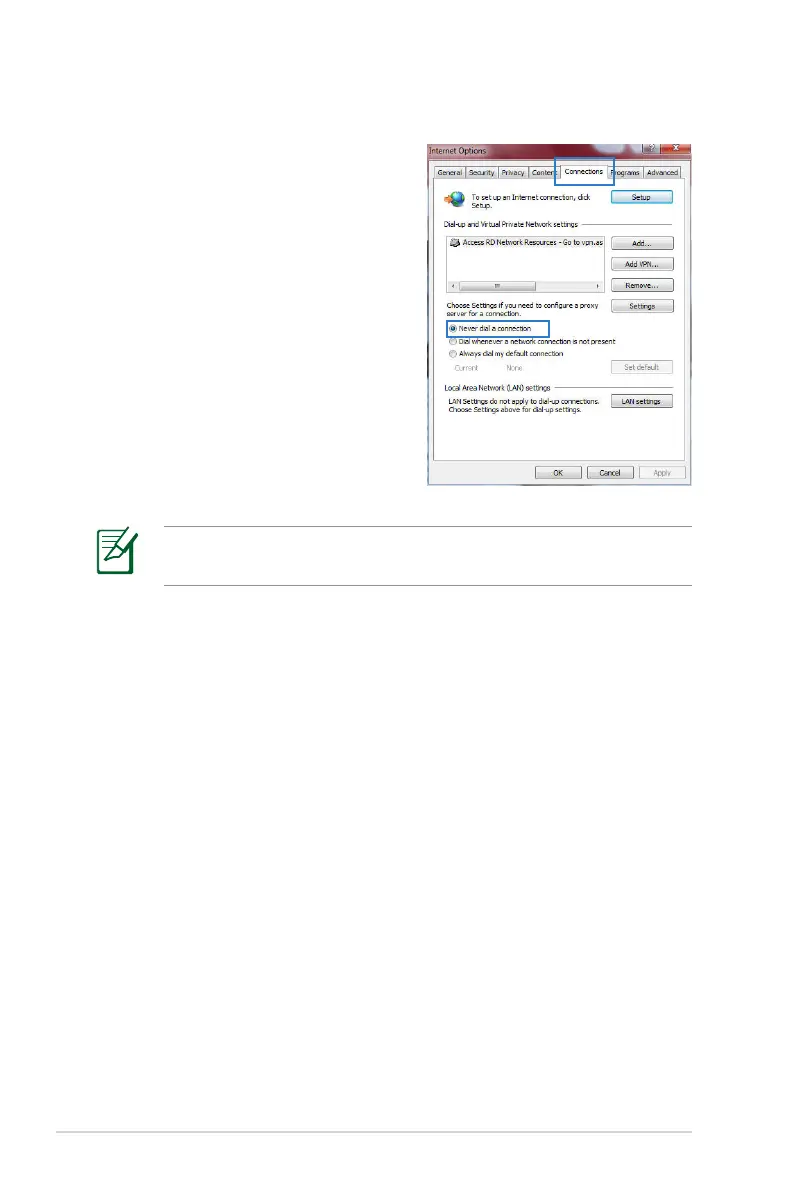
C. Disable the dial-up connection, if enabled.
Windows
®
7
1. Click Start > Internet Explorer
to launch the browser.
2. Click Tools > Internet options >
Connections tab.
3. Tick Never dial a connection.
4. Click OK when done.
NOTE: Refer to your browser's help feature for details on
disabling the dial-up connection.



 To Next Page