37
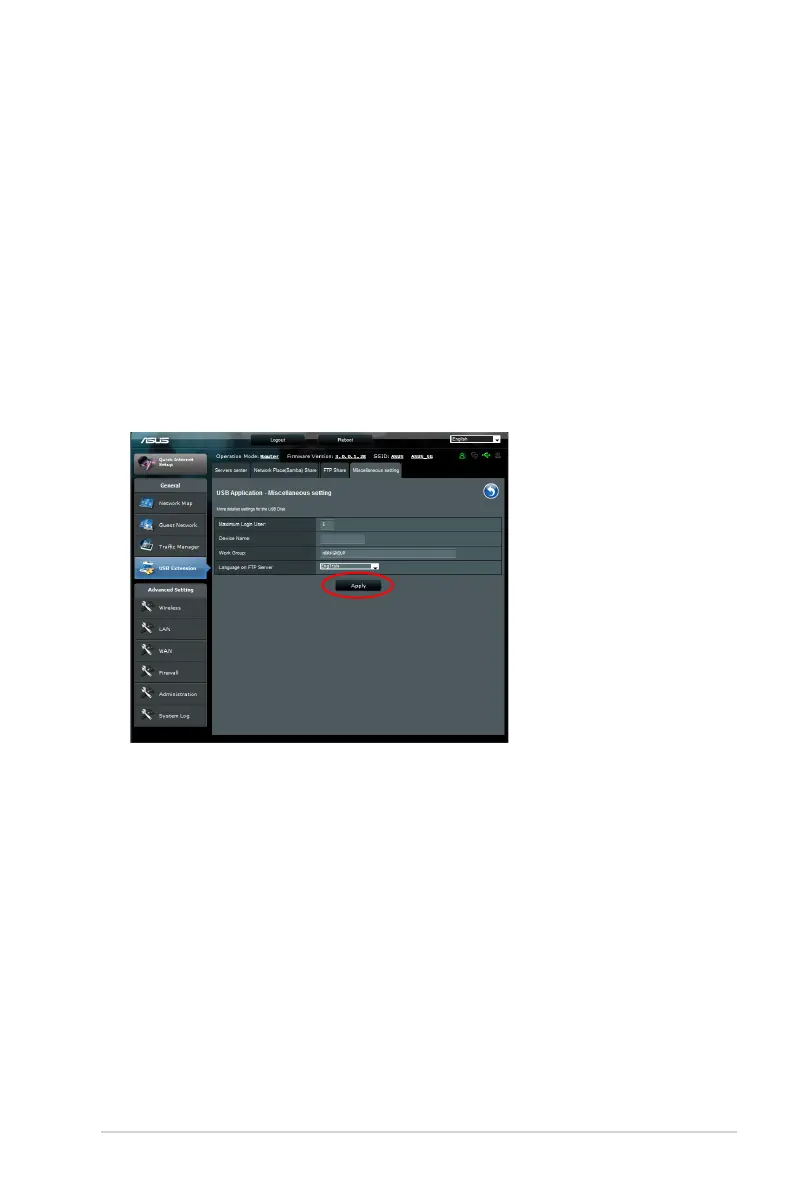
Using the Miscellaneous setting
Miscellaneous setting allows you to configure other settings for
the USB disk, including maximum login user, device name, work
group and language on FTP server.
To use miscellaneous setting:
1. Click the Miscellaneous setting tab in the Servers Center of
USB Extension.
2. Follow the instruction to key in the necessary information.
3. When finish, click Apply.



 To Next Page