28
Using the Traffic Manager
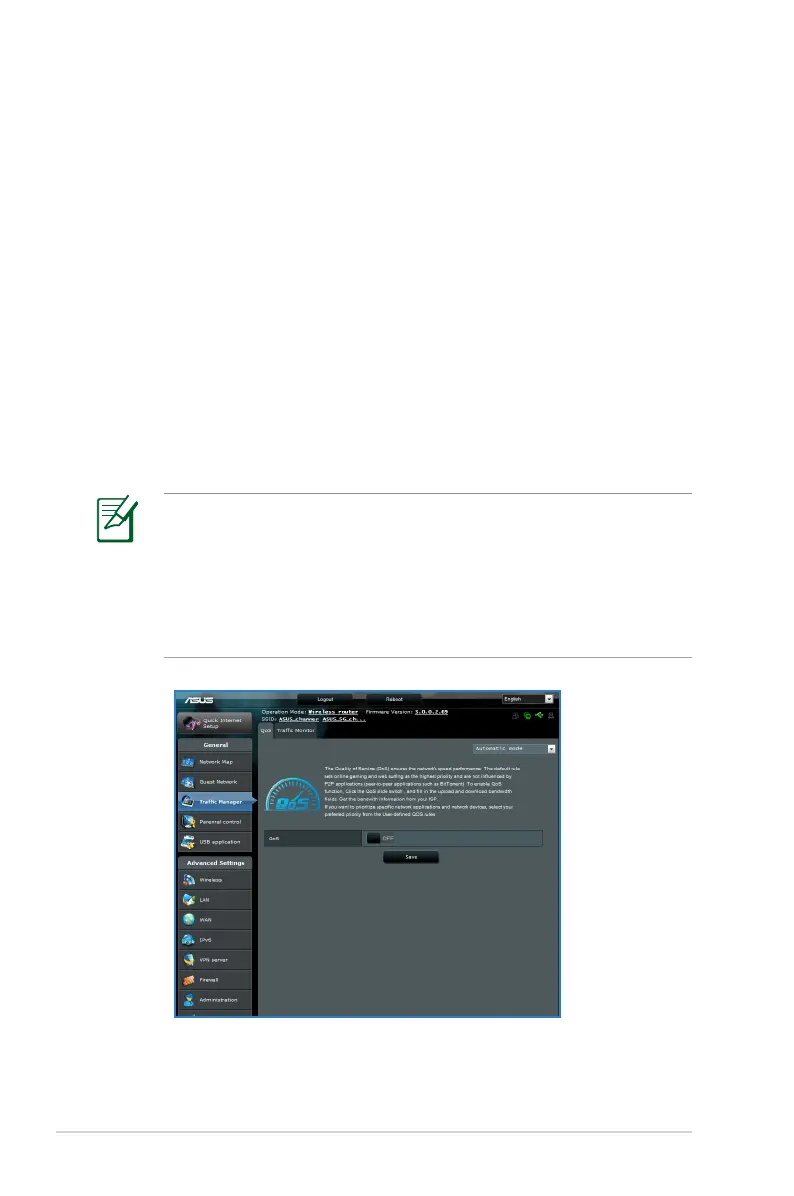
Managing QoS (Quality of Service) Bandwidth
The Quality of Service (QoS) allows you to set the bandwidth
priority and manage the network traffic.
To set up the bandwidth priority:
1. Launch the wireless router’s web GUI.
2. On the Traffic Manager screen, select the QoS tab.
3. Click ON to enable the default rule and fill in the upload and
download bandwidth fields.
NOTE:
• Get the bandwidth information from your ISP.
• If you want to prioritize specific network applications and
network devices, select your preferred priority from the User-
defined QoS rules.



 To Next Page