34
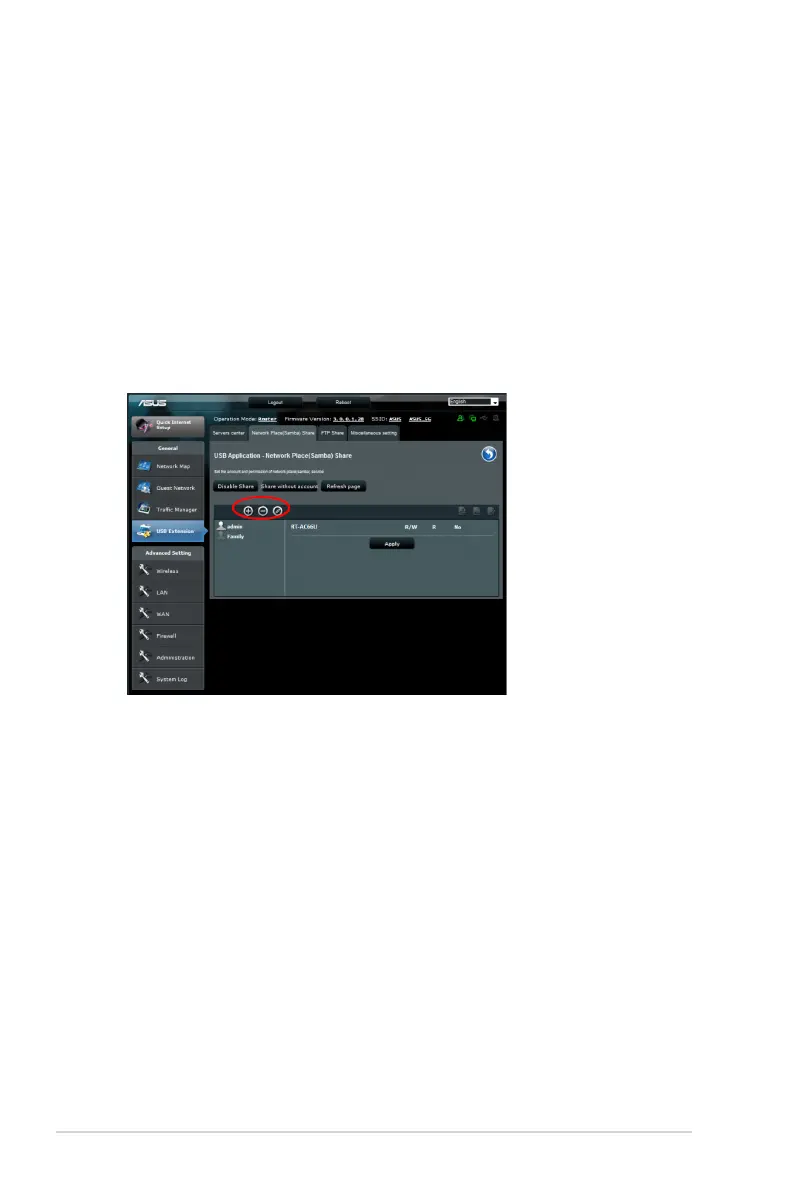
Using the Network Place (Samba) Share service
Network Place (Samba) Share allows you to set the account and
permission for samba service.
To use Samba share:
1. Click the Network place (Samba) Share tab in the Servers
Center of USB Extension.
2. Click Add, Delete or Modify to add, delete or modify the
account. Click Apply when done.



 To Next Page