23
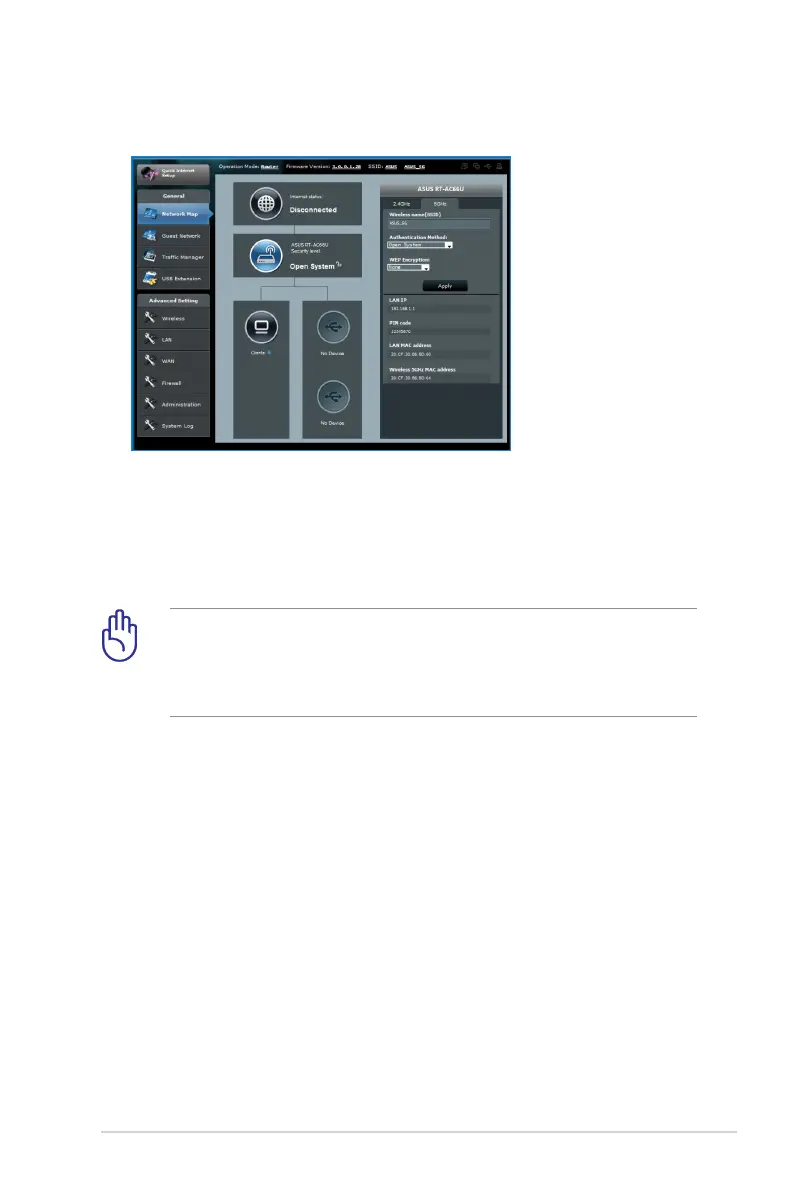
5GHz security settings
4. On the Wireless name (SSID) field, key in a unique name for
your wireless network.
5. From the Security Level dropdown list, select the encryption
method for your wireless network.
IMPORTANT! The IEEE 802.11n/ac standard prohibits using
High Throughput with WEP or WPA-TKIP as the unicast cipher. If
you use these encryption methods, your data rate will drop to
IEEE 802.11g 54Mbps connection.
6. Key in your security passkey.
7. Click Apply when done.



 To Next Page