13
Chapter 2: Setting up the hardware RT-N12
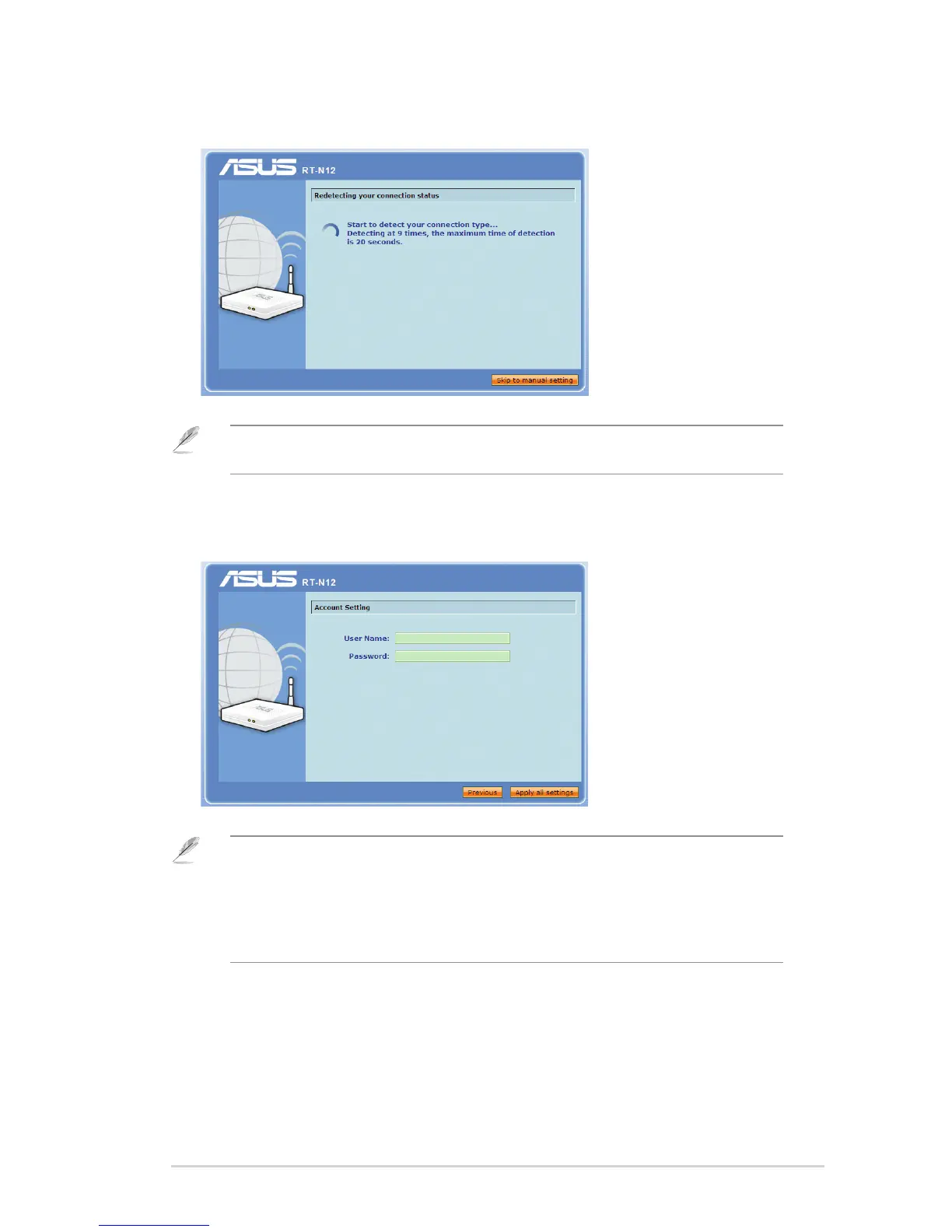
3. Launch your web browser and the QIS starts to detect your Internet connection
type.
Note: If the QIS web page does not appear after you launched your web browser, disable the
proxy settings on your web browser.
4. Key in the user name and password. Click Apply all settings.
Note:
• The PPPoE Internet connection type is used in this setup case. The setup screen varies with
different Internet connection types.
• Obtain the required information such as the username and password from your Internet
Service Provider (ISP).



 To Next Page