36
RT-N12 Chapter 5: Installing the utilities
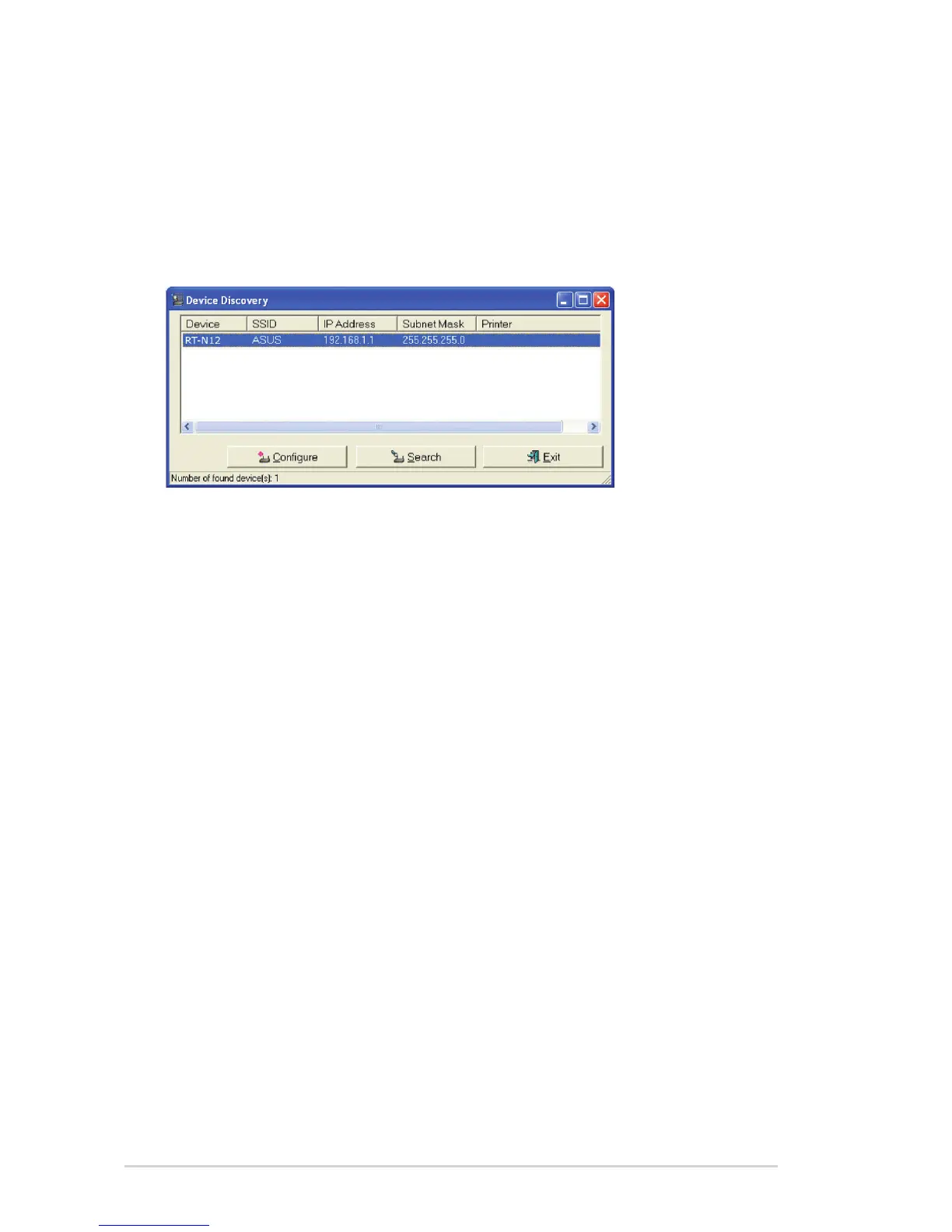
Device Discovery
Device Discovery is an ASUS WLAN utility that detects an ASUS wireless router
and enables you to congure the device.
To launch the Device Discovery utility:
From your computer’s desktop, click Start > All Programs > ASUS Utility >
RT-N12 Wireless Router > Device Discovery.
• Click Congure to access the web GUI and congure the wireless router.
• Click Search to search for ASUS wireless routers within range.
• Click Exit to exit the application.



 To Next Page