23
Chapter 3: Conguring the clients RT-N12
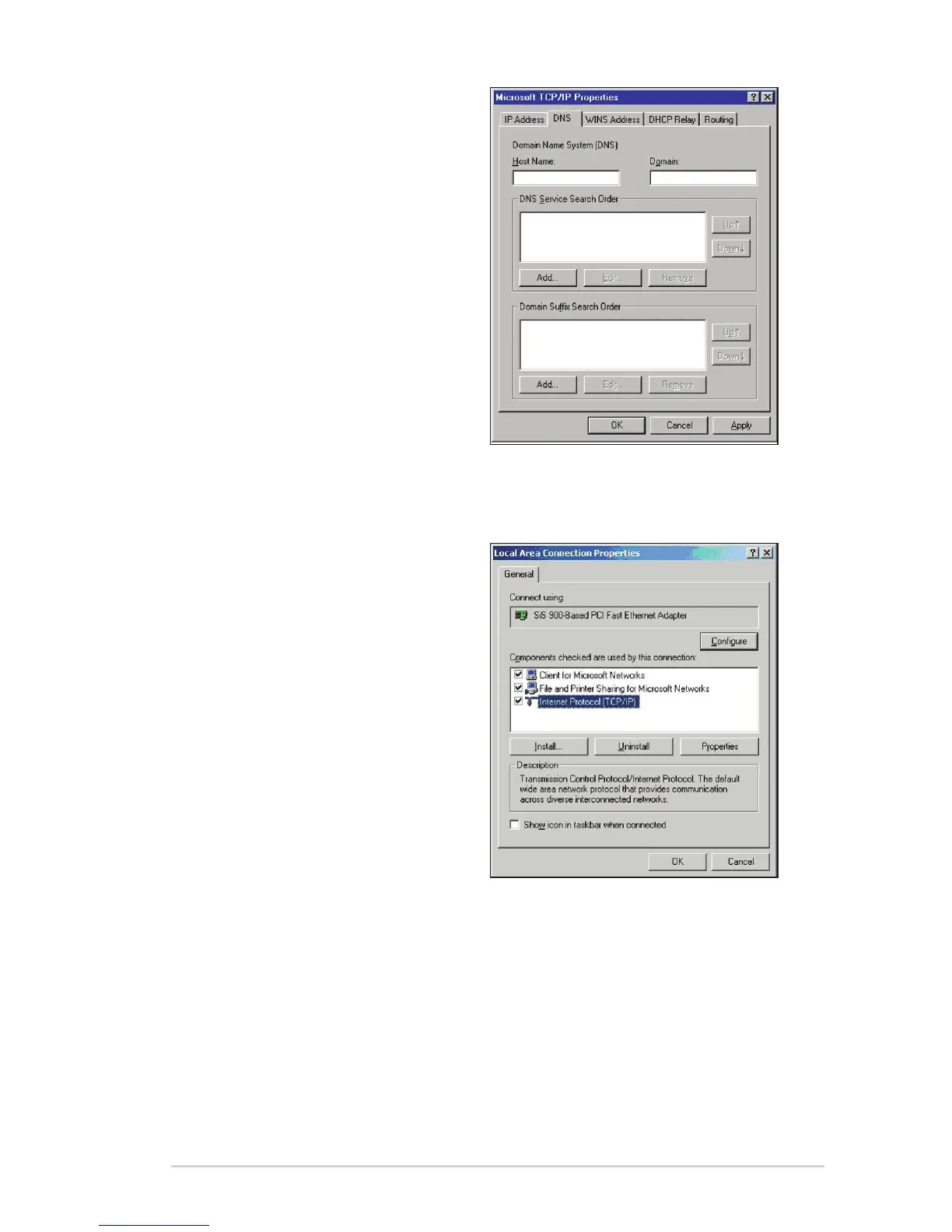
4. Select the DNS tab then click Add
under the DNS Service Search
Order and key in DNS.
Windows
®
2000
1. Click Start > Control Panel >
Network and Dial-up Connection.
Right-click Local Area Connection
then click Properties.



 To Next Page