27
Chapter 4: Conguring via the web GUI RT-N12
4
Conguring via
the web GUI
Conguring via the web GUI
The router’s web graphics user interface (web GUI) allows you to congure these
features: Network Map and EZQoS Bandwidth Management.
To access the web GUI:
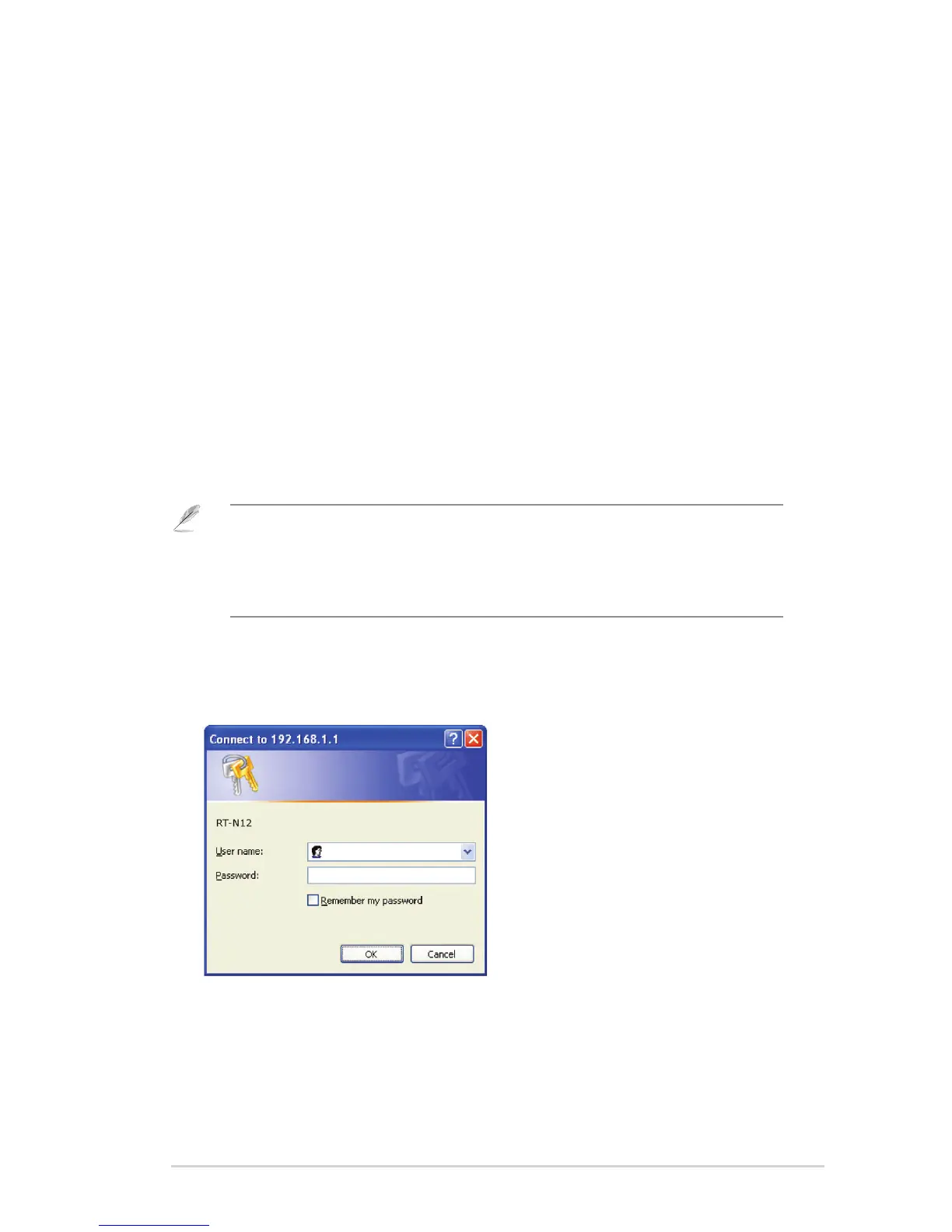
1. Launch a web browser, then key in the router’s IP address. The login page of
the router’s web GUI appears.
2. On the login page, key in the default user name (admin) and password
(admin).
Note:
• In the Router mode, the router’s IP address is 192.168.1.1.
• In the Repeater and AP modes, use Device Discovery included in the support CD to nd the
router’s IP address.



 To Next Page