9
Chapter 2: Setting up the hardware RT-N12
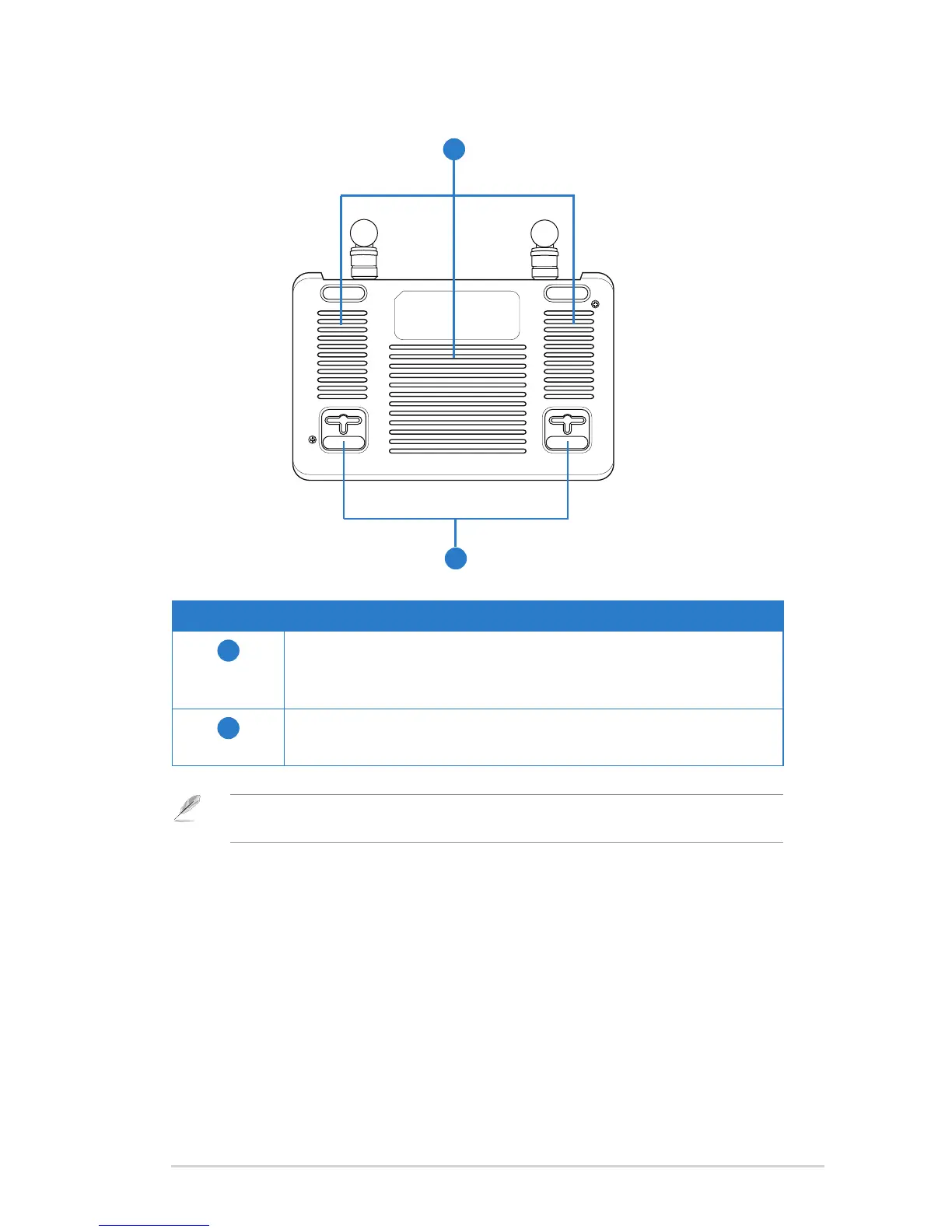
Bottom panel
1
2
Item Description
1
Mounting hooks
Use the mounting hooks to mount your router on concrete or
wooden surfaces using two round head screws.
2
Air vents
These vents provide ventilation to your router.
Note: For details on mounting your router on a wall or ceiling, refer to the section Mounting
options on the next page of this user manual.



 To Next Page