16
RT-N12 Chapter 3: Conguring the clients
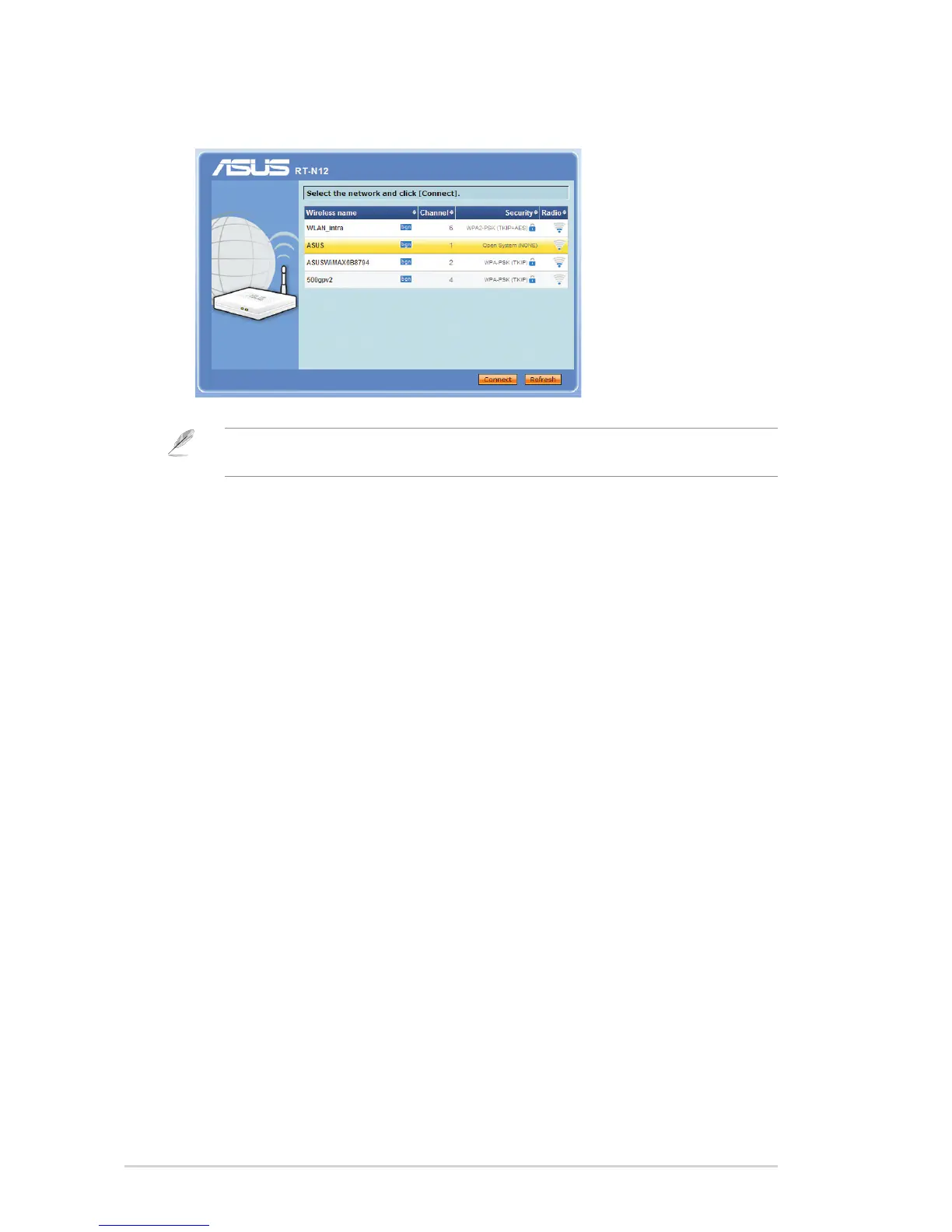
3. Launch your web browser and the QIS web page appears automatically. Select
the AP whose wireless signal you want to extend, then click Connect.
Note: If the QIS web page does not appear after you launched your web browser, disable the
proxy settings on your web browser.



 To Next Page