39
Chapter 5: Installing the utilities RT-N12
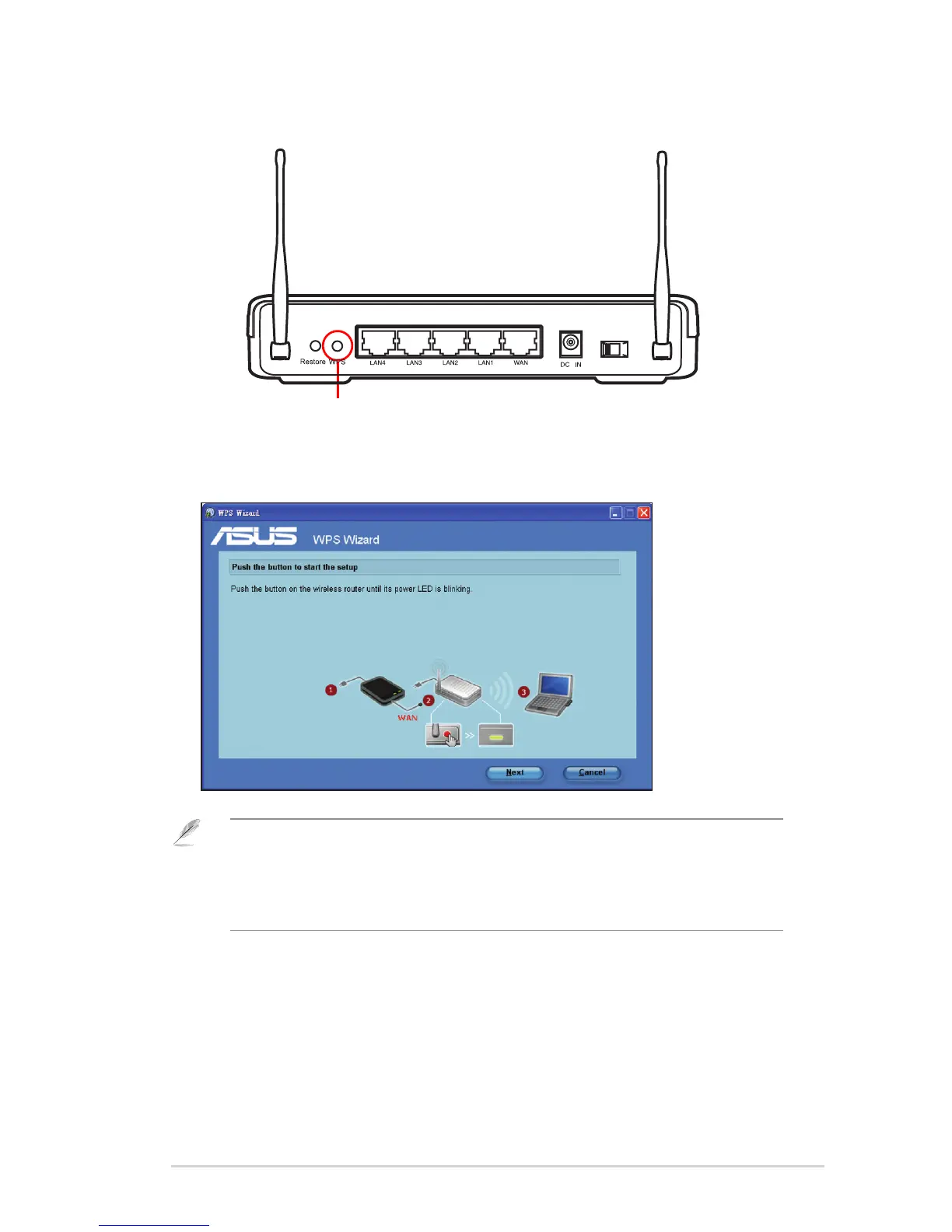
2. Push the WPS button at the rear panel of the wireless router for more than ve
seconds.
WPS button
3. On the WPS Wizard, click Next to continue.
Notes:
• When running WPS, the Internet connection pauses briey then reestablishes the connection.
• If the WPS button is pushed without running the WPS Wizard, the PWR indicator ashes and
Internet connection pauses briey and then reestablishes the connection.



 To Next Page