22
Chapter 3: Network Configuration using the web GUIRT-N14U
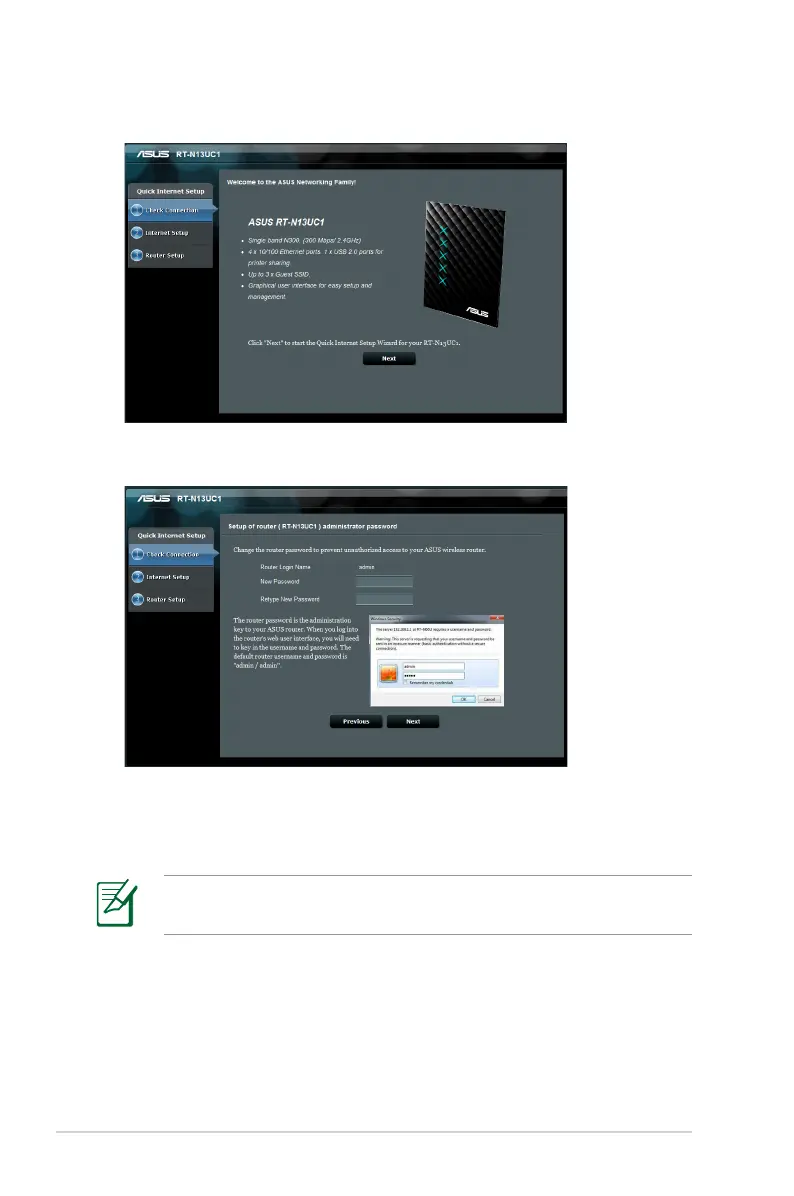
2. Quick Internet Setup will launch automatically. Click Next.
3. Key in a new administrator password. Click Next.
4. Select Wireless router mode or Access Point (AP) mode. Click
Next.
To set up a wireless network with Internet access, use Wireless
router mode.



 To Next Page