11
ASUS STRIX Sound Card Series User Manual
English
3. Driver Installation
3.1 Installing the driver
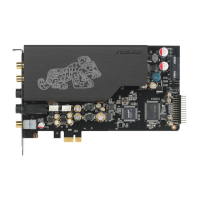
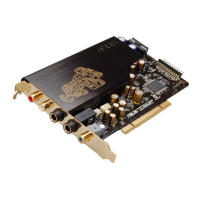
After installing the STRIX sound card series on your computer, you need to install
the device driver that enables the STRIX sound card series to work with Windows
®
operating system.
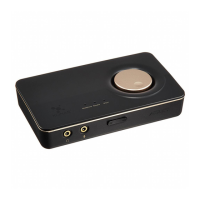
• The driver is only needed when you connect ASUS STRIX sound card
series with PC/NB.
• The version and contents of the support CD are subject to change without
notice.
To install the device driver:
1. Insert the ASUS STRIX sound card series support CD into your optical
drive. If Autorun is enabled, the ASUS STRIX sound card series driver
screen appears automatically. Go to step 4. If Autorun is not enabled in your
computer, perform step 2.
2. Click My Computer on your desktop and double-click the optical drive icon.
3. Double-click the setup.exe icon.
4. Follow the on-screen instructions to complete the installation. Read the
END USER LICENSE AGREEMENT in the process and make sure that you
understand and accept it before continuing the installation.
5. When the installation nishes, you may be prompted to restart your
computer. You can choose to restart the computer later if desired.



 To Next Page