16
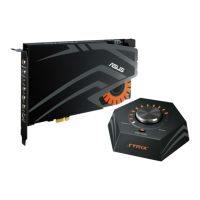
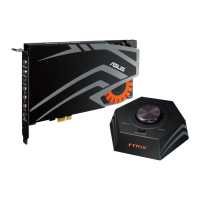
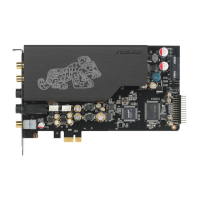
ASUS STRIX Sound Card Series User Manual
English
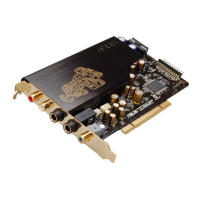
Side+
S/PDIF Out
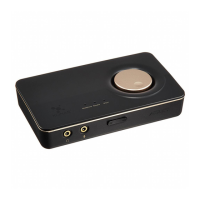
Mic/Line-in
Headphone
Front
Box Link
Rear
Center
OR
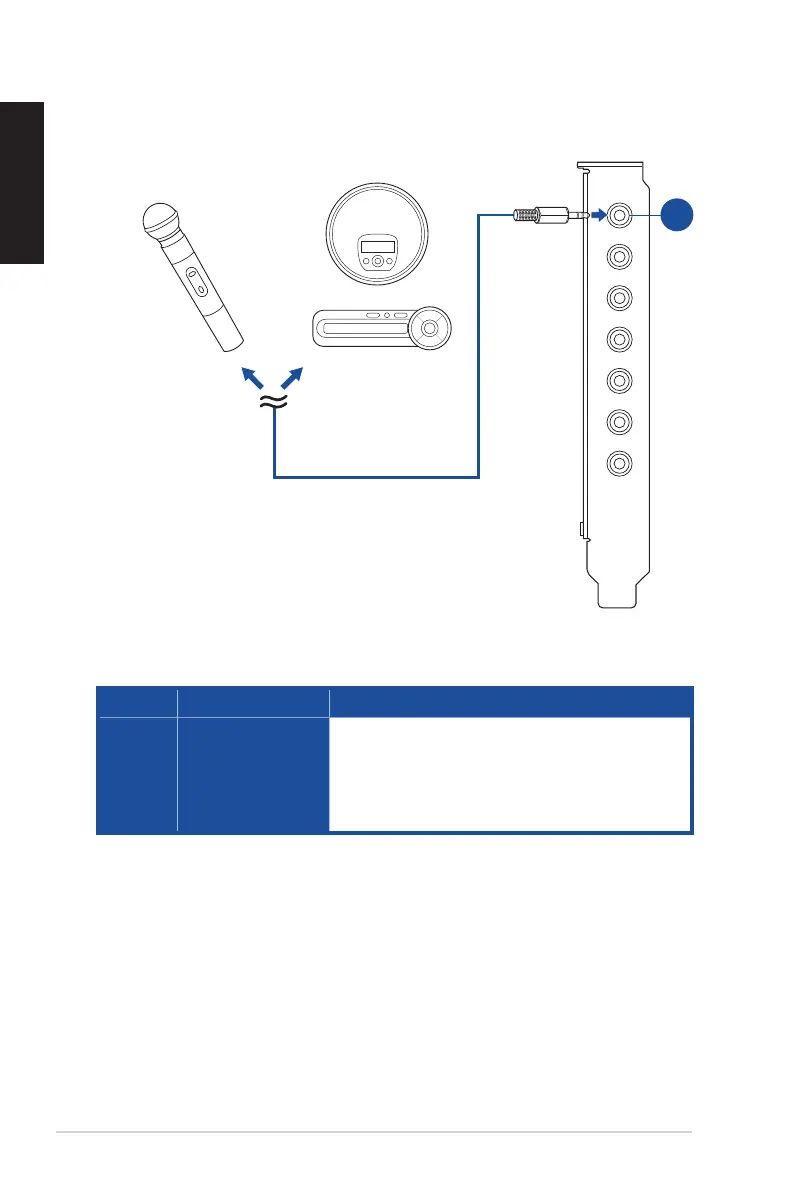
4.3 Connecting Microphone/ Line In
No. Items Description
1. Microphone Input/
Line In Port
Connect the microphone’s 3.5mm plug into this Mic-In
port for voice communication, recording, or karaoke.
Connect the 3.5mm plug of the CD/MP3 Player or any
other Line level analog audio sources into this Line-In
jack for sound recording.
1



 To Next Page