9
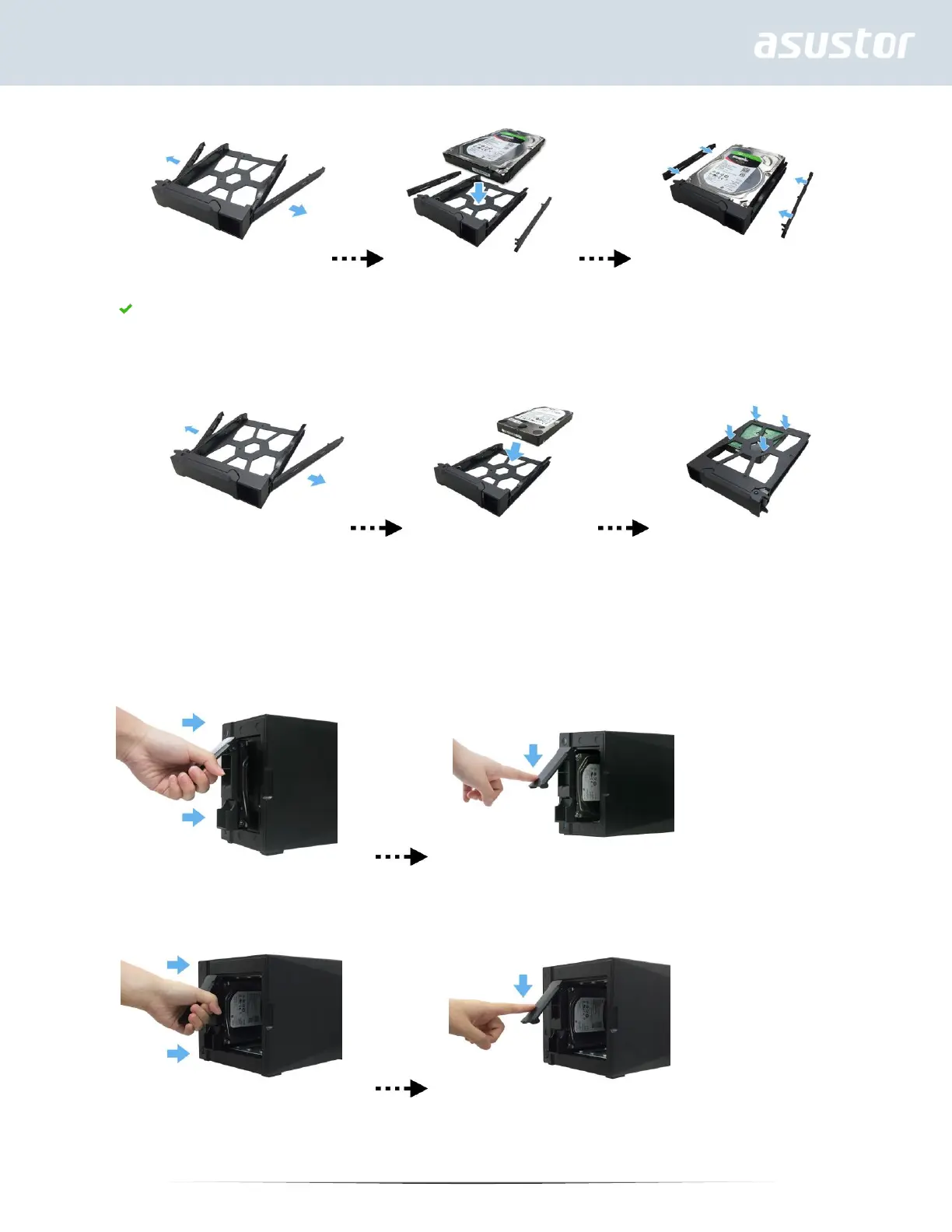
To install a 2½ " hard drive, please remove the two rails on both sides of the hard drive tray. Align the
hard drive with the 4 holes labeled 2.5" with the SATA connector facing outward. While maintaining a
grip on the hard drive and tray, turn the tray upside down and secure the drive with four included M3
screws as demonstrated below.
4. Slide the disk tray onto the rails of the disk bay. Using the latch, gently push the disk tray all the way into
the disk bay. Secure the disk tray in place by pushing down on the latch. The latch should close easily and
snap in with an audible ‘click’. Please make sure that the disk tray is pushed all the way into the disk bay
before attempting to secure the latch.
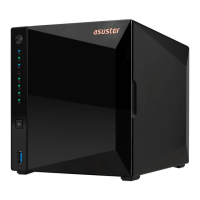
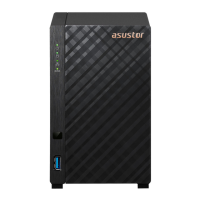
AS4002T
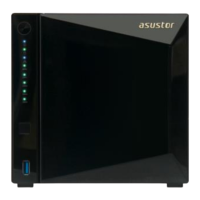
AS4004T
5. Return the front panel.


 To Next Page