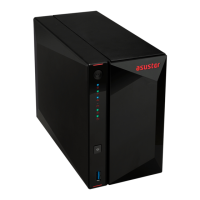
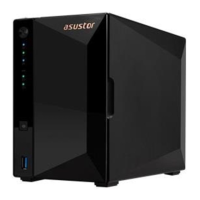
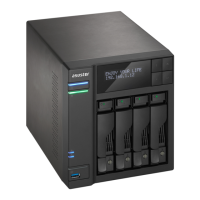
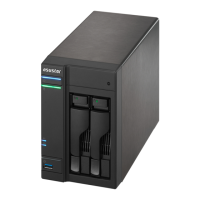
8
3. Hardware Installation Guide
All data stored on the hard disk(s) will be erased and CANNOT be recovered. Please back up all
important data before initializing the system.
Tools Needed for Hard Disk Installation
Phillips head screwdriver
At least one 2.5 or 3.5 inch SATA hard disk. (For a list of compatible hard disks, please see
http://www.asustor.com/service/hd?id=hd)
Hard Disk Installation
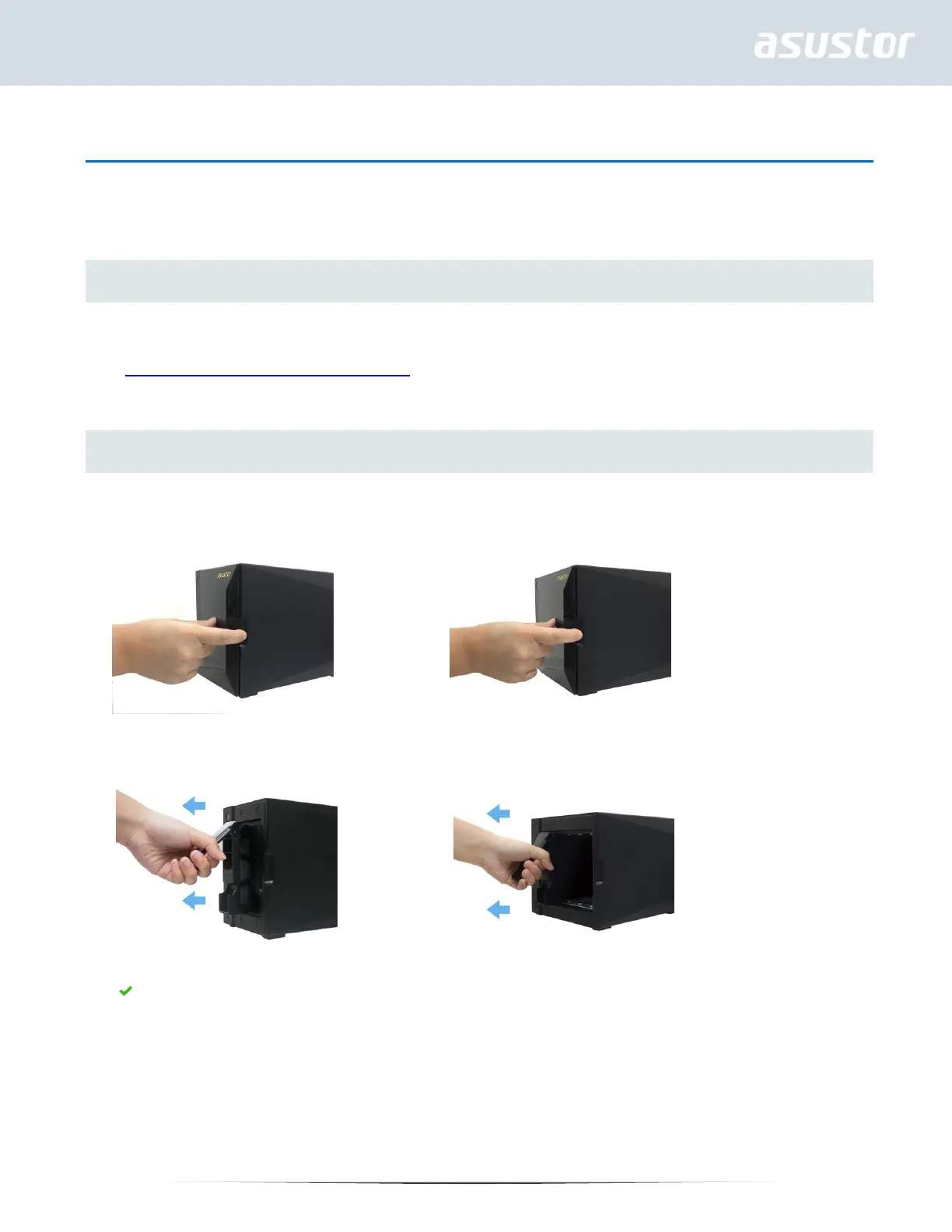
1. Remove the front panel as shown in the image below.
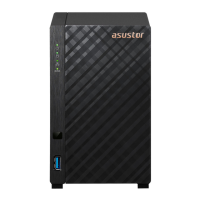
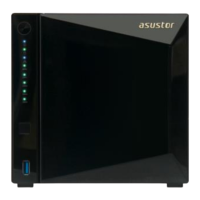
AS4002T AS4004T
2. Using the latch, gently pull the disk tray out of the disk bay.
AS4002T AS4004T
3. Mount the hard disk to the disk tray.
To install a 3½ " hard drive, please remove the two rails on both sides of the hard drive tray. Place the
hard drive into the tray, align and insert the rails to secure the hard drive and insert it into the NAS.


 To Next Page