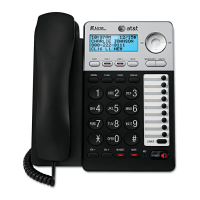
) at the
back of the deskset.
Plug the other end of
the Ethernet cable into
the router connecting to
your console.
Route the Ethernet
cable and power cord
through these slots.
Plug the small end
of the deskset power
adapter into the power
jack at the back of the
deskset.
Router
Plug the power adapter into an electrical outlet not controlled by a
wall switch.
5.
IMPORTANT INFORMATION
Use only the power adapter supplied with this product. To order a replacement power adapter, visit
our website at www.telephones.att.com, or call 1 (800) 222-3111.
In Canada, dial 1 (866) 288-4268.
The power adapter is intended to be correctly oriented in a vertical or floor mount position. The
prongs are not designed to hold the plug in place if it is plugged into a ceiling, under-the-table or
cabinet outlet.
1.
2.


 To Next Page
 Loading...