Consumer
Product
Service
.
TI?
Manager
of
Tecfinical
Support
VCS
TECH
TIP
number
II
SUBJECT:
Capacitor at C24l
IODEL:
The capacitor
at
C24l may be of the incorrect rating. An easy way to identify
a
problem capacitor
is
to look
at
the screen with the diagnostic cartridge
on
the COLOR BARS. The screen is grainy with faint vertical
bars.
(The
COLOR
BARS look like color squares.)
DATE:
SOLUTION:
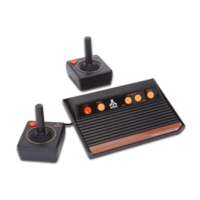
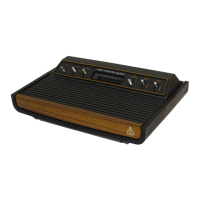
2600A
ATARI
Video Computer
Svstern
Anril
8.
1983
I
Install
part
number 21-101224M
at
C241.
PARTS:
PART
NUMBER
DESCRIPTION
21-10 1224M .22uf Axial Lead
Polycap
-
100v.
INSTALLATION
PROCEDURE
Desolder and remove capacitor
at
C241, and insert and solder 21-101224M into
its place.
TESTING
PROCEDURES:
Use standard testing procedures
as
outlined in the 2600/2600A Field Service
Manual (FD100133).
PROBLEM
REPORTING:
If you have questions
or
require further explanation concerning this Field
Change Order, contact
your
Atari
Tech-line
Specialist:
Inside California
(800)
672-1 466
Outside California
(800)538-2535



 To Next Page