13
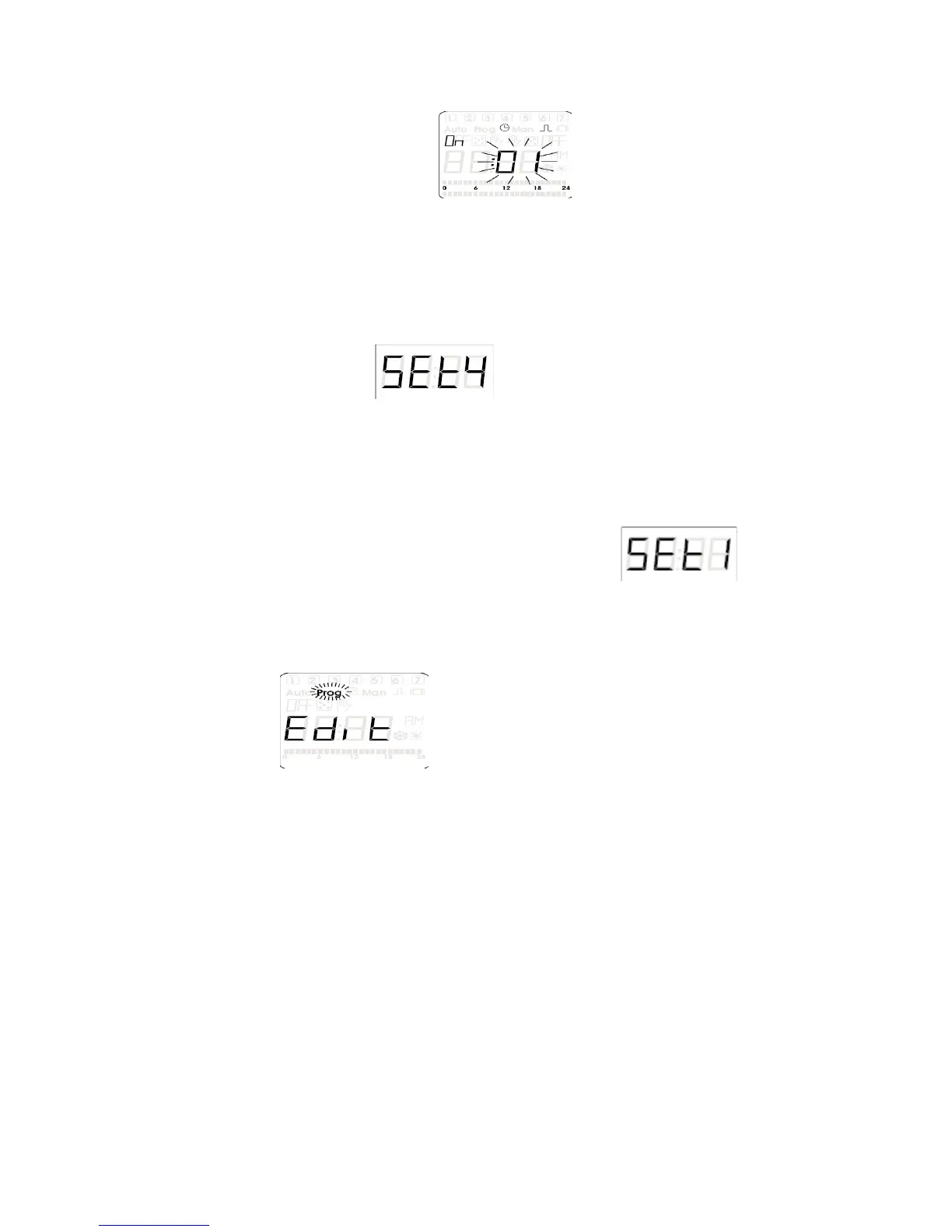
e) Press the (OK) button, should now show on the display
of the unit (the blinking two digits could be any thing from 01 to 99)
f) Change the desired On time by using (+PRG) button to increase and the (-
MAN) to decrease in increments of 1 second
g) Press the (OK) button to save the value into memory ( now the word OFF is
illuminated)
h) Again use the (+PRG) button to increase and the (-MAN) to decrease in
increments of 1 second
i) Press the (OK) button to save the value into memory, (the LCD screen will
now return to screen)
j) Press the (MAN 2/ ESC) button to exit back to the original run mode
8.) Editing Programs
* If no programs are stored than the word FREE is shown.
a) Press and hold the (+PRG) button for 3 seconds, is what
shows on the LCD display ( also you will see prog in the upper left corner of
the display)
b) Press the (OK) button to enter into the programming parameters, (the word
ADD will be shown now)
c) Press the (+PRG) button, (the unit’s display will now show
)
d) Press (OK) button (the time and day that Pr.00 is set for will display)
e) Press the (MAN2 / ESC) button to display the Pr.00 (you can choose to
display the program number or the program time so this step is user choice)
f) Use the (+PRG) button and the (-MAN) button to scroll to the correct
program number you want to edit
g) Press and hold the (OK) button for 3 seconds to enter the desired program
you want to change
h)
Now follow the steps of the correct programming section that you want this
device to operate in Normal Mode, Repeat Cycle Mode, Pulse Mode, etc…
9.) Deleting Programs
* To delete all programs saved in memory at once please see page 5,”
Reset all the Programs”.


 To Next Page