7
u) If you choose OFF and press (OK) button, the display will return back to the
menu
v) If you choose On and press (OK) button, you need to select the snow flake or
sun star by scrolling with (+PRG) or (-MAN) buttons and than pressing the
(OK) button (automatic switching is activated)
w) After correct symbol of the seasonal time has been chosen than press the
(OK) button and the display will return to the menu
x) Press the (ESC/MAN2) button to exit out of the program mode and back to
the original run mode
VI.) Programming
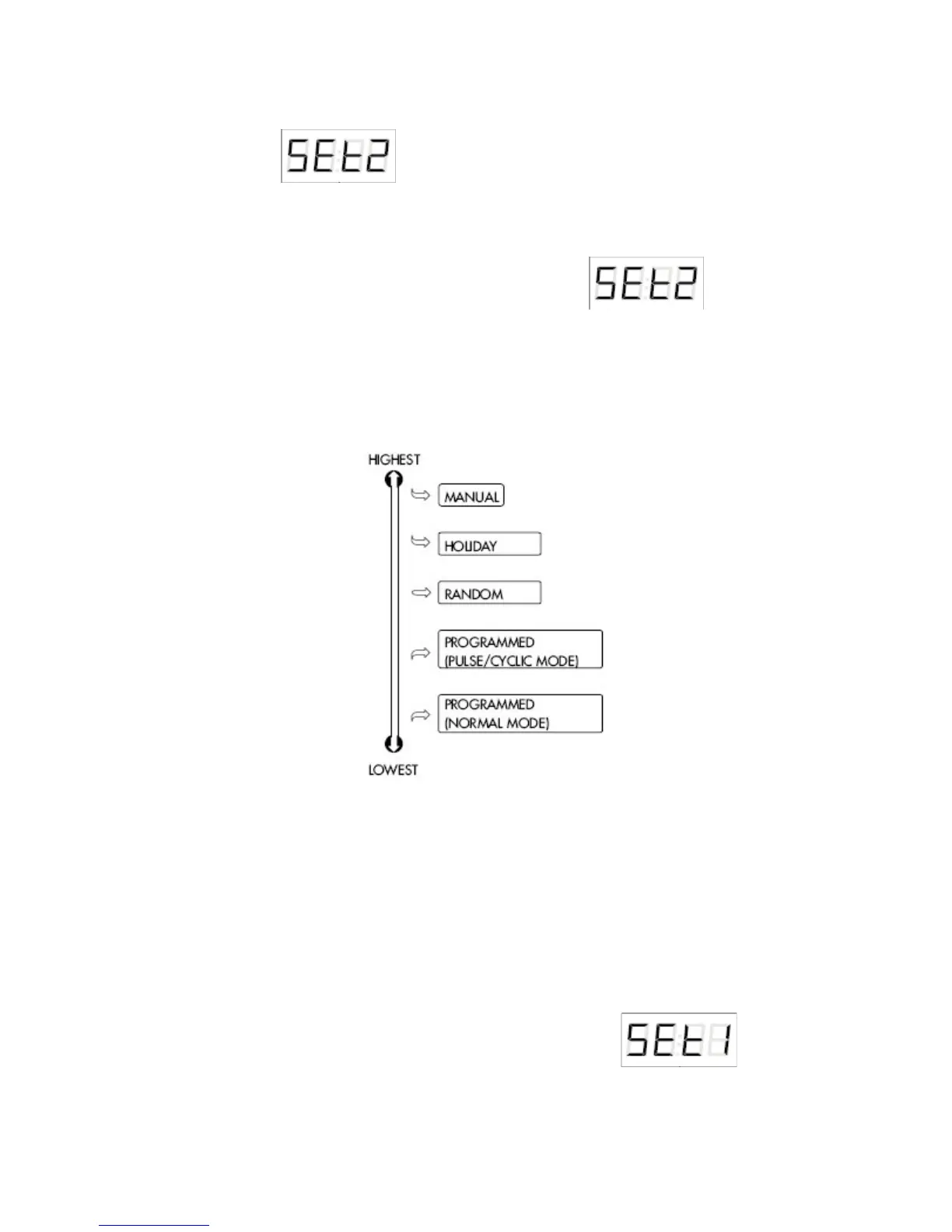
1.) Mode Priorities
2.) Normal Mode
In the normal mode, output is switched according to the set start
and stop time. You must first program a start time and which days of the
week that the output is to turn on. Next you need to program the end time
for the 7DT-2CH unit to turn off the output at a giving time for each set
day.
a) Press and hold the (+PRG) button for 3 seconds, is what
shows on the LCD display ( also you will see prog in the upper left corner of
the display)


 To Next Page