14
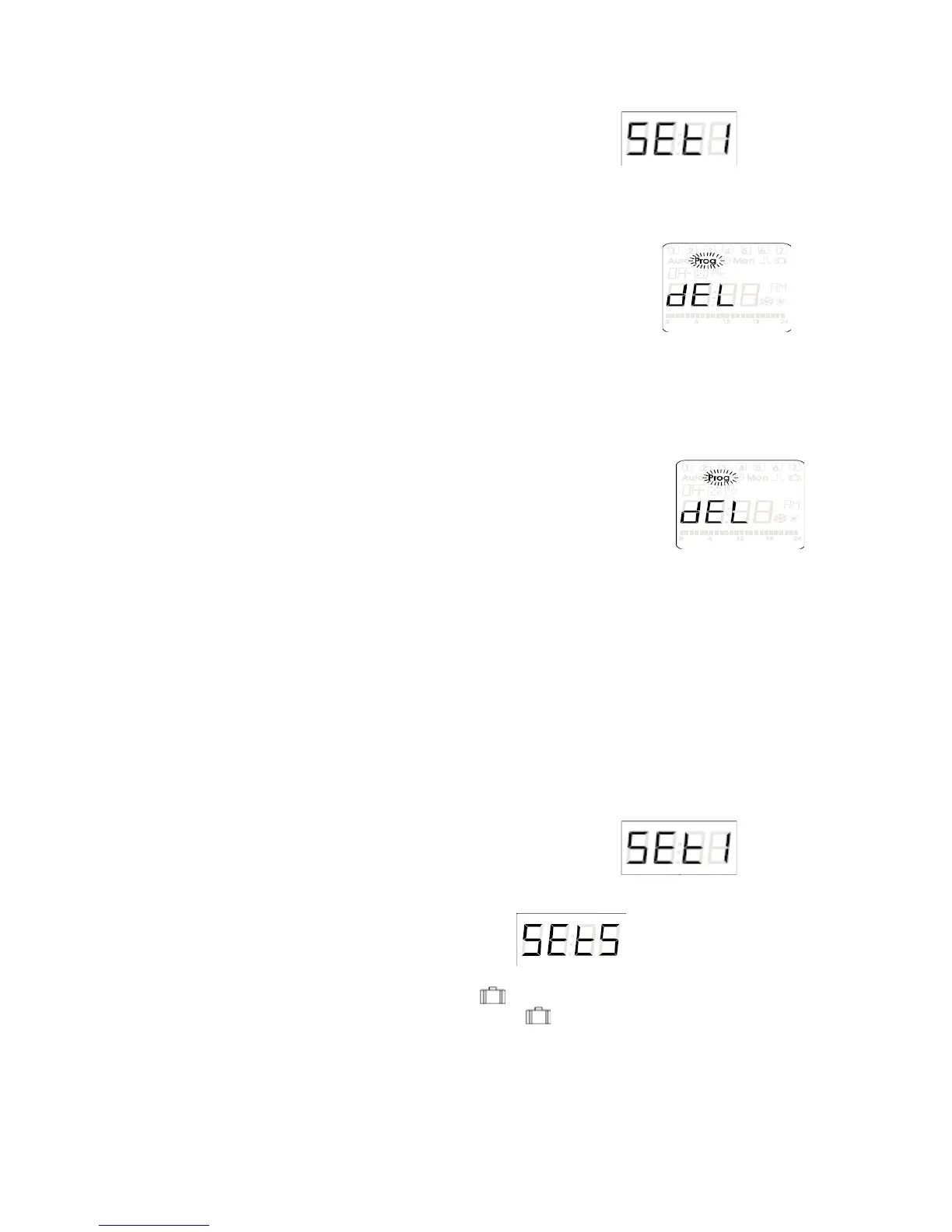
a) Press and hold the (+PRG) button for 3 seconds, is what
shows on the LCD display ( also you will see prog in the upper left corner of
the display)
b)
Press the (OK) button to enter into the programming parameters (the word
ADD will be shown now)
c)
Press the (+PRG) button twice (the LCD display shows )
d) Press (OK) button (the time and day that Pr.00 is set for will display)
e) Press the (MAN2 / ESC) button to display the Pr.00, (you can choose to
display the program number or the program time so this step is user choice)
f) Use the (+PRG) button and the (-MAN) button to scroll to the correct
program number you want to delete
g) Press and hold the (OK) button for 3 seconds to delete the selected program
h) You can choose to delete another program by simply following steps F and G
again or wait 45 seconds and the device will return to the
menu
i) Press the (MAN 2 / ESC) button twice to exit back to original run mode
10.) Setting the Holiday Mode
Holiday mode can be programmed so that the unit doesn’t have to
be turned off, programs don’t have to be changed, or even deleted during
special times that you don’t want the unit to be switching outputs on and
off. This mode is used to keep off the outputs for the set time and date.
The holiday mode will take precedence over any programmed mode. The
only mode that will perform during holiday mode is the manual control
mode.
a) Press and hold the (+PRG) button for 3 seconds, is what
shows on the LCD display ( also you will see prog in the upper left corner of
the display)
b) Press (+PRG) button 4 times until is on the unit’s LCD
screen
c) Press (OK) button (OFF and symbol is illuminated)
d) Press (+PRG) button (now ON and symbol is illuminated)


 To Next Page