9
s) Once programming is completed and the word ADD is again displayed and
you are finished adding programs then hit the (MAN 2/ESC) button twice to
exit back to original run mode (the indicator bar that goes with the
corresponding output should be illuminated at the button only on times where
the output is going to be on for that day)
3.) Repeat Cycle Mode
The repeat cycle mode works the same way as the “normal mode”
except the output cycles on and off between set times. The output will
turn on and off for what ever the predetermined time was set in the,
“Cycle/Pulse Setting”, section on page 12. Both the on and off time have
a range of 1 to 99 seconds each.
a) Press and hold the (+PRG) button for 3 seconds, is what
shows on the LCD display (also you will see prog in the upper left corner of
the display)
b) Press the (OK) button to enter into the programming parameters (the word
ADD will be shown now)
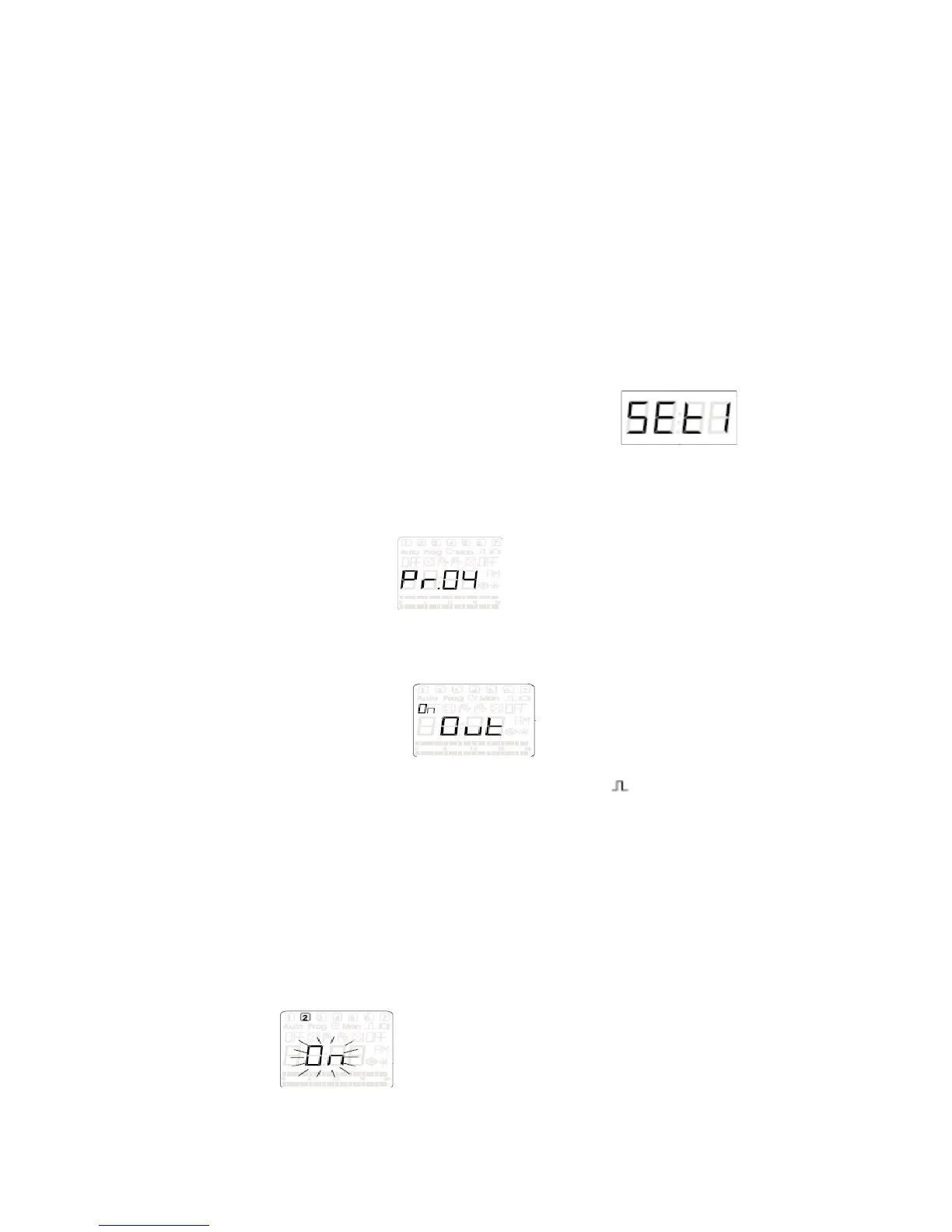
c) Press the (OK) button, (information about the number of the new program
Pr.XX) example: this just gives a numeric values to the
memory location of this program
d) Now press the (OK) button, (Ch01 or Ch02 should display)
e) You can choose weather to control output 1 or output 2 by scrolling between
them with the (+PRG) or (-MAN) buttons
f) Press (OK) button, should be displayed on the LCD screen
g) Use the (+PRG) or (-MAN) buttons to scroll through menu options so that the
display looks like it does in step F, EXCEPT the sign is illuminated in the
upper right of the display screen as well (this is how the repeat cycle mode is
activated)
h) Press the (OK) button
i) The two hours digits on the left side of the display should be blinking, adjust
the numbers using the (+PRG) or (-MAN) buttons to set the desired hour that
you want the output to come on and than press the (OK) button
j) Now the two minutes digits are blinking on the right side of the display, adjust
the numbers using the (+PRG) or (-MAN) buttons to the desired minute time
that you want the output to come on and than press the (OK) button
k) Now it is time to select which days of the week this program will be on for by
pressing the (OK) button on either on or off along with the corresponding
number in the top of the display that represents the days of the week,


 To Next Page