A10/A11/A10W/A11W IP Phone User Manual
ATCOM TECHNOLOGY CO., LIMITED www.atcom.cn
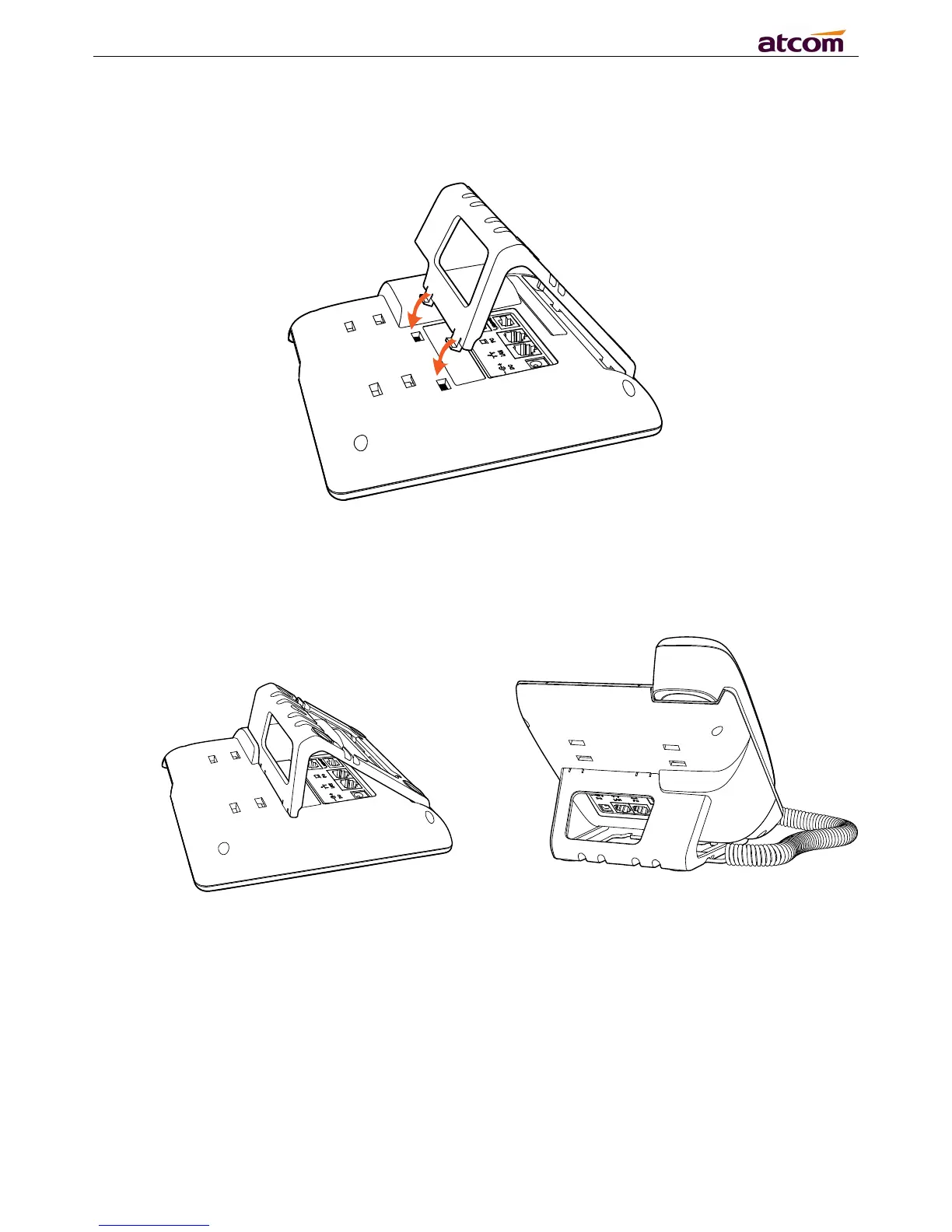
B. Press the other side joints into the slot according to the direction of the arrow
C. It is the right picture after fixing the stand bracket below:
D. Disassemble the stand bracket:
Push the spring joint of stand and pull the stand according to the direction of the arrow. When the
joints are pulled out of the slot, you can take off the stand bracket.



 To Next Page