SMART TDS BLOWDOWN CONTROLLER
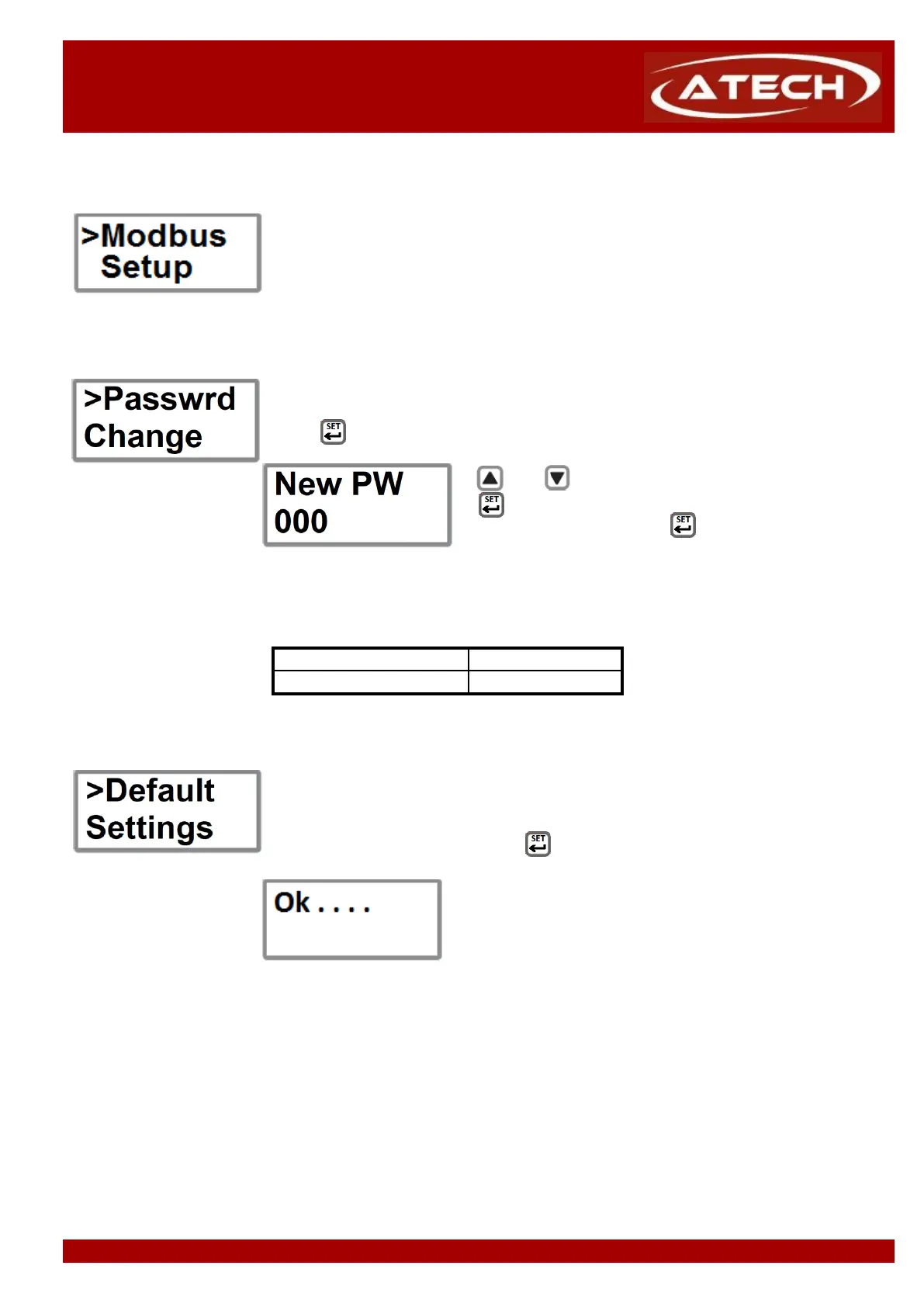
5.2.10 Modbus Setup (Optional)
This function is used to set Modbus address baud rate and infrared master/slave
configuration, and verifies the number of units on the IR bus
This function is used to change the password of the device.
Press button to enter to function menu.
and buttons increase or decrease digits and
button shift right to the next digit.
After change the last digit, button accepts the new
It is important that if the default pass code is changed that the new value is noted
If the default settings are needed, "Default Settings" function could be selected from
To select "Default Settings", press button for 5 second on this function.
After confirming "Ok" on the screen, will be returned to the
menu. Default settings as below :
Conductivity Set Point : 5.000 uS/cm
Alarm Hysteresis : 300 uS/cm
System Run/Off : System Run


 To Next Page