DIVA Quick Start, version 1.0.1
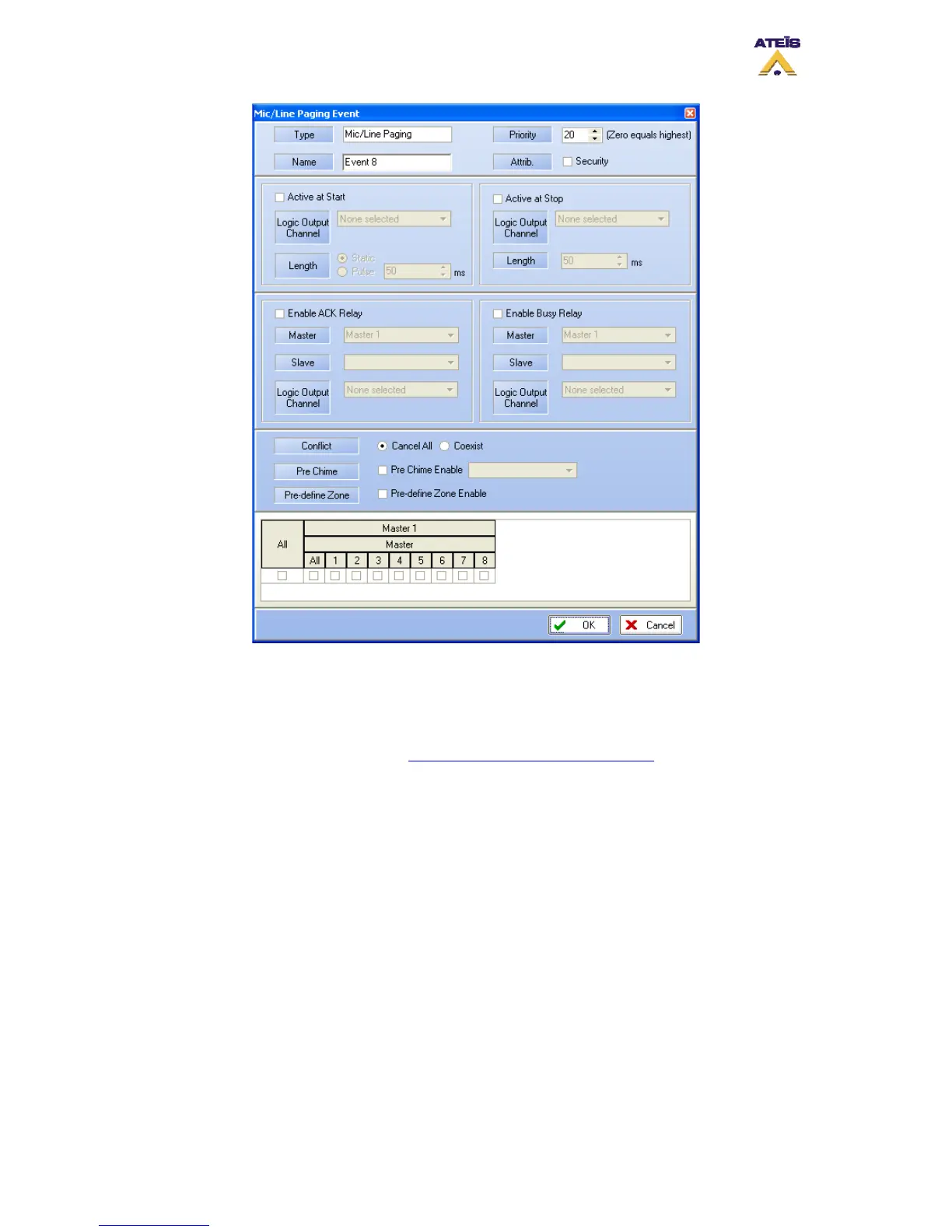
Figure 32: Microphone advanced setting page
6.3 Adding a PSS
The PSSDT microphone series is a fully monitored paging microphone with programmable
function and a selection touch screen. For more information upon the PSSDT microphone,
visit the Ateis International website ( http://www.ateis-international.com ).
In this quick start, the PSS microphone touch screen will be programmed to control only what
is relied to music.
• Drop the PSS in the “Audio Source” folder to the right icon on the DIVA1 master
page.
• Double click the icon. The PSS window will open (Figure 33).
• Select 15 for the priority.
• Click on the “Key” tab ().
• For the First Key, write “Zone 1” in the blank square. This will be the Key 1’s name
on the PSS screen.
• In the drop-down menu, select “Zone Selection”. The “Zone Selection” window will
open (Figure 35). Select the zone 1 and click “OK”.
• Repeat the same process for the 4 first keys, zone 1, zone 2, zone 3 and zone 4.
• Under the Fifth key, write “Route” and select Route in the drop-down menu. Note:
Route key act like the button route on the DIVA’s front panel. You have to use
this button to confirm the zone selection.
Ateïs International
Ch. du Dévent, 1024 Ecublens, Switzerland.
Phone : +41 21 881 25 10
28



 To Next Page