DIVA Quick Start, version 1.0.1
4.2 Software Start Up
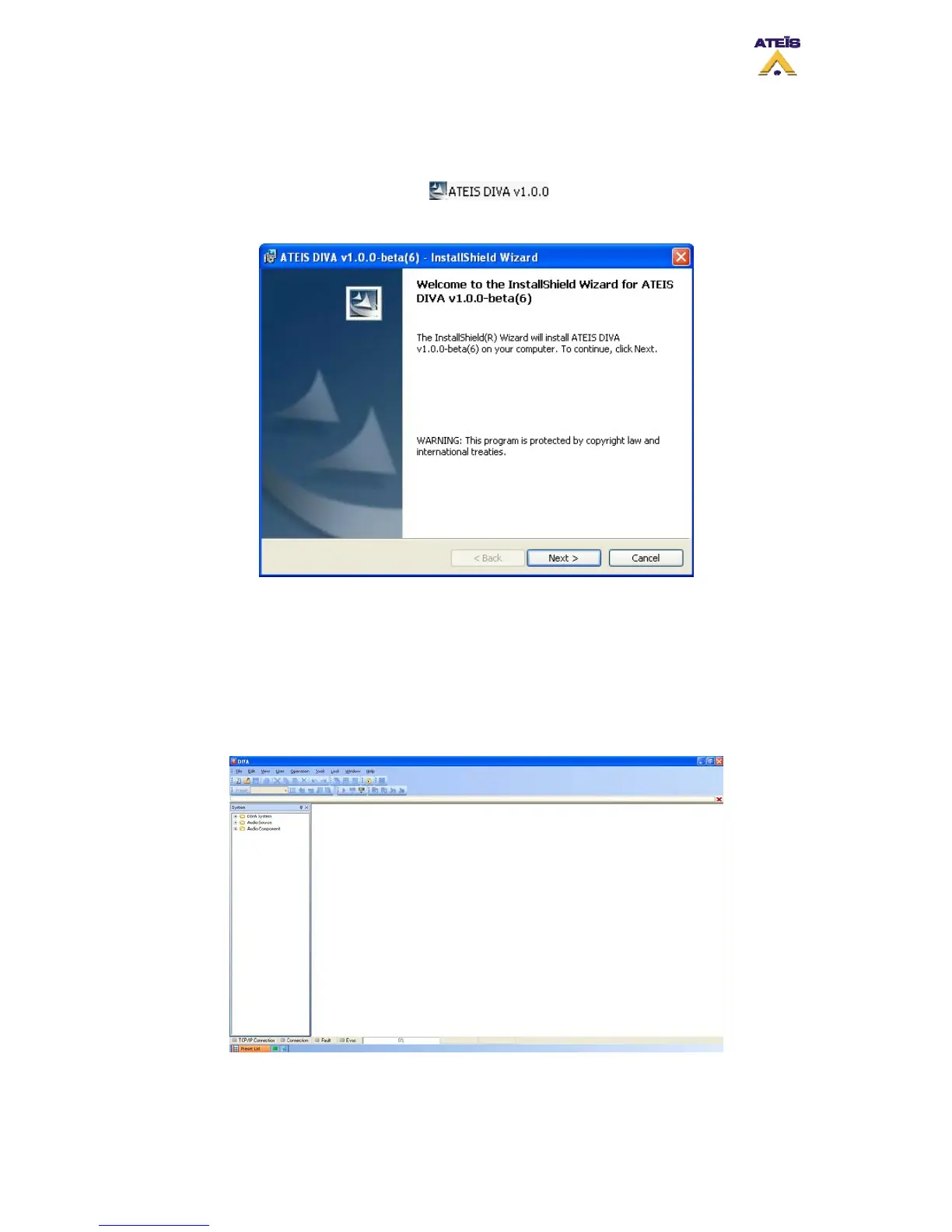
First of all, please install the DIVA which could be found on the Ateis-International website.
After double-clicking the DIVA Setup , please follow the next few step to
complete the installation.
Figure 4: DIVA InstallSchield Wizard start page
After the installation process complete, launch DIVA software from the Start menu or the
desktop shortcut automatically installed.
4.3 DIVA Configuration
The first steps to DIVA’s configuration, is to set up network parameters and to test
communication.
Figure 5: DIVA Software front page
Ateïs International
Ch. du Dévent, 1024 Ecublens, Switzerland.
Phone : +41 21 881 25 10
8



 To Next Page