DIVA Quick Start, version 1.0.1
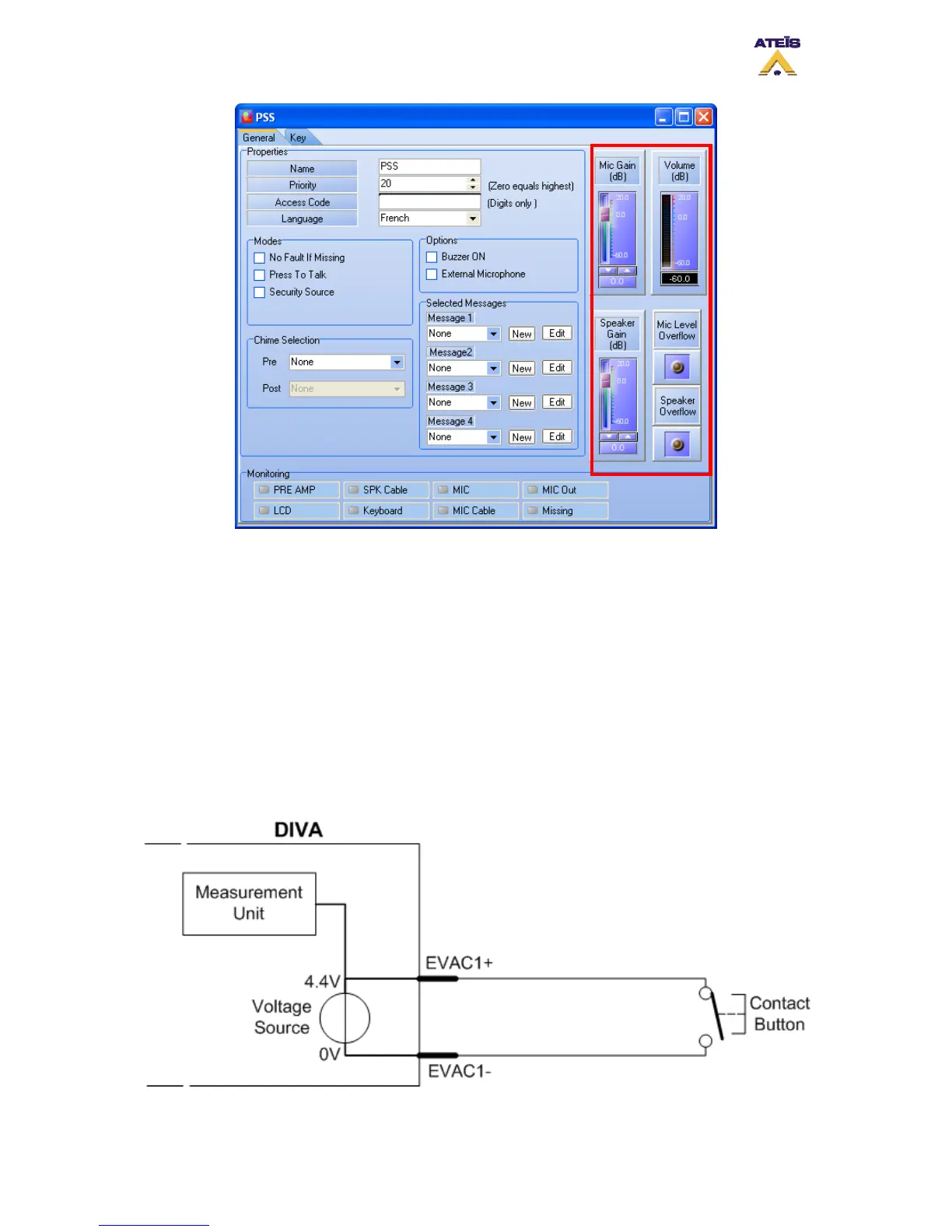
Figure 41: PSS Controls and Indicators
7 Annexe
This annexe will explain you how to perform a “fully” monitored button/contact. To better
understand, here is a quick explanation of what means fully monitored.
The surveillance of a contact line, a microphone line or speaker line is based on the same
measurement. An internal voltage source is applied to the input or output terminal. By
measuring this tension, it is possible to know the state of the input or output.
With a normal contact (FigAnnexe 1), you only will be able to measure two states: Open or
Shorten. Shorten (when contact is closed) forces the voltage source to zero.
FigAnnexe 1:Simple Contact Schematic
Ateïs International
Ch. du Dévent, 1024 Ecublens, Switzerland.
Phone : +41 21 881 25 10
33



 To Next Page