FOR YOUR SAFETY
Please follow the instructions in this chapter to get the optimum results from these units.
EXCLUSION OF RESPONSIBILITY
Manufacturer, importer, or dealer shall not be liable for any incidental damages including
personal injury or any other damages caused by improper use or operation of the PPM-IT5.
INTERFERENCE
Like all computing devices, the PPM-IT5 uses high frequency digital circuitry that may cause
interference on radio or television equipment placed close to the unit. The best solution for
problems like this is to relocate the affected parts.
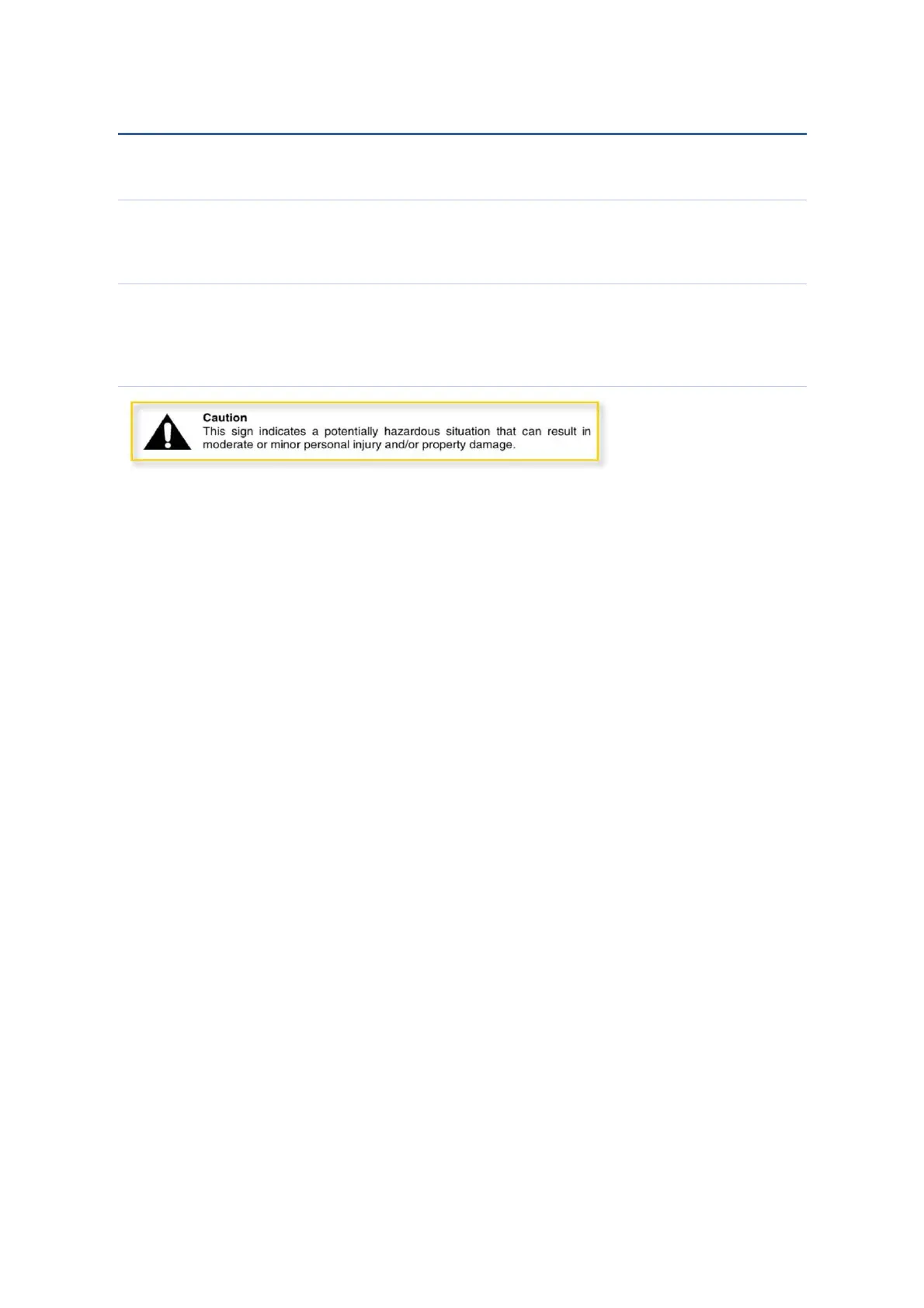
CAUTION
• Do not expose the PPM-IT5 to extreme temperatures, direct sunlight, humidity, or
dust.
• Keep away water or other liquids from the PPM-IT5.
• Connect the power cord only to an AC outlet of the type stated in this Owner's Manual
or as marked on the unit.
• When disconnecting the power cord from an AC outlet always grab the plug. Never
pull the cord.
• Turn off the unit immediately, remove the power cord from the AC outlet and consult
your ATEÏS dealer in any of the following circumstances:
• Smoke, odour, or noise getting out of the unit.
• Foreign objects or liquids get inside the PPM-IT5.
• The unit has been dropped or the shell is damaged.
• Do not drop or insert metallic objects or flammable materials into the unit.
• Do not remove the PPM-IT5 s cover. Contact your ATEÏS dealer if internal inspection,
maintenance, or repair is necessary.
• Do not try to make any modifications to the PPM-IT5.
• To prevent the unit from falling down and causing personal injury and/or property
damage, avoid installing or mounting the unit in unstable locations.
• Operate the PPM-IT5 in an environment with a free-air temperature of between 0 °C
and 40 °C (32 °F and 104 °F).
• Turn off all audio equipment when making any connections to the PPM-IT5, and
make sure to use adequate cables.
• Do not use benzene, thinner, or chemicals to clean the PPM-IT5. Use only a soft, dry
cloth.
• If the PPM-IT5 is moved from a cold place (e.g. overnight in a car) to a warmer
environment, condensation may form inside the unit, which may affect performance.
Allow the PPM-IT5 to acclimatize before use.



 To Next Page