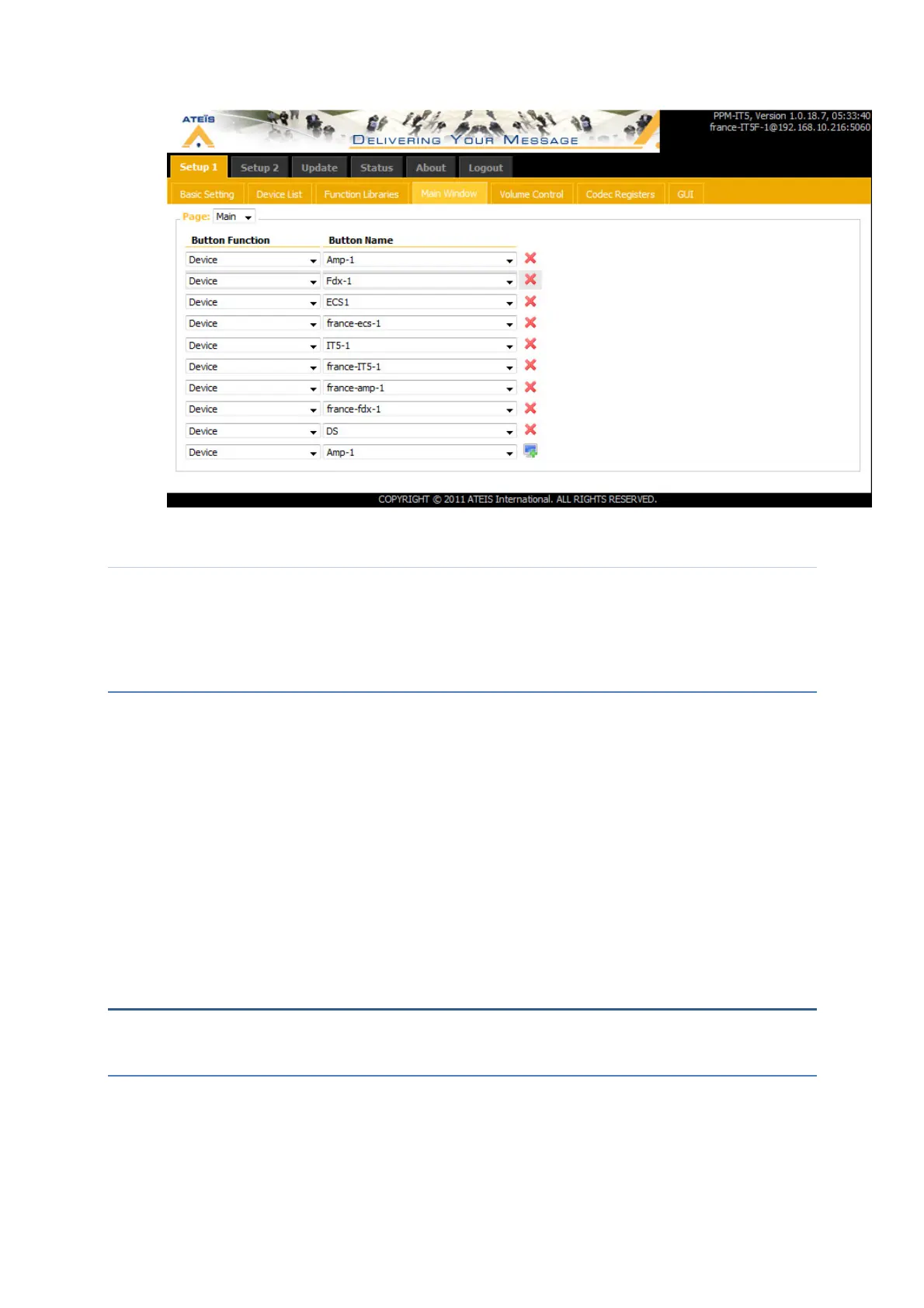
Create a group : Function Libraries
You can create a group of devices in the function libraries window.
Setup ->Function libaries ->Paging group…
This group can be linked to a button on the touchscreen.
Firmware Update
Ateis provides regularly new firmwares, then please check on our webpages if there
is any new firmware for the PPM-IT5.
To update the firmware, open your favourite web browser (we recommend Mozilla
Firefox).Type this IP address into the address bar. You will be asked for a login. The
default settings are: login: admin / password: admin. You can now visualize the web
pages of the TERRACOM. Go to the page Update/Firmware.
Open the browser and select the new firmware. Press update. Do not disconnect the
power supply or the POE cat-5 cable during the update.
N.B.: We recommend after a firmware update to reset the cache of your web browser.
SOFTWARE
Address book
When you want to call someone with your phone, you enter the phone number or select
someone in your phonebook. It is the same philosophy with a TERRACOM device: you can
enter the IP address & port of the device you want to call or you can use the address book.



 To Next Page