- 12 -
Operation
Controlling all of the computers in your CS-82A / CS-84A
installation from a single PS/2 console could not be easier. Two
port selection methods that provide instant access are available:
Manual Port Selection
Hotkey Port Selection
Manual Port Selection
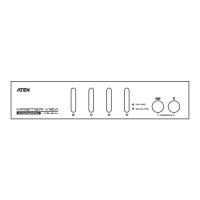
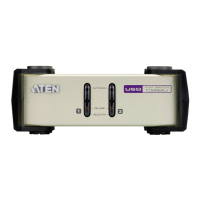
With Manual Port Selection you simply press the Port Selection
Pushbutton that corresponds to the computer you want to
access. The Selected LED lights to indicate which port is active.
Hotkey Port Selection.
Hotkey Port Selection allows you to select the active computer
directly from the keyboard.
Note: Hotkey operation is different for the CS-82A and the
CS-84A. See the following sections for details.



 To Next Page
 Loading...