EN
27
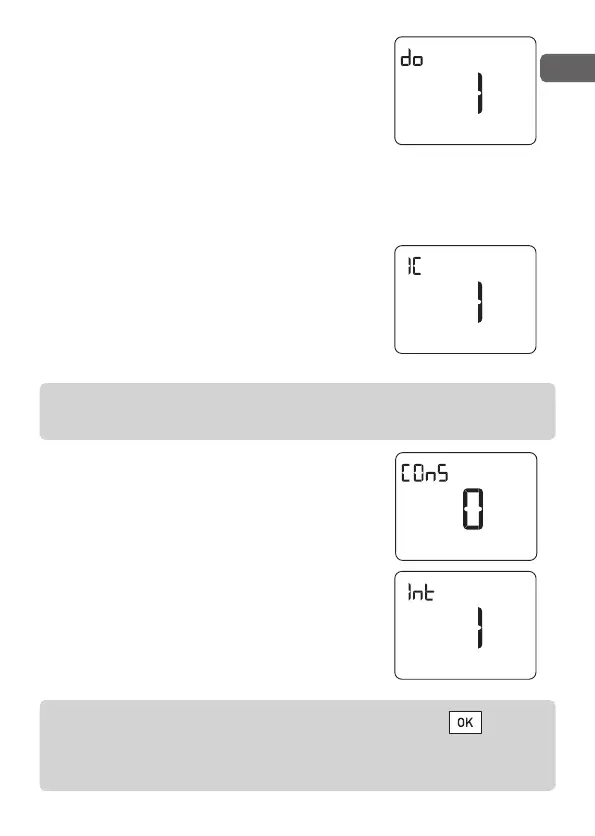
Detection of window opening
The activation of this parameter requires
a door/window opening detector on the
installation
1 = Door/window opening detector
activated (default)
0 = Door/window opening detector deactivated
Performance indicator
For greater control over your consumption,
the display changes colour when adjusting
the Comfort settings.
1 = Activated (default)
0 = Deactivated
Display of the consumption
1 = Activated
0 = Deactivated (default)
Sensor used for control
1 = Internal sensor with programmable
thermostat (by default).
0 = Receiver sensor.
To exit the “parameter setting” mode, briefly press .
Alternatively, the unit will automatically exit the mode after
1 minute without pressing any button.
The activation of this parameter also requires the activation of
the backlight.
2705157_rev3_not_TAP_ATERNO_SMART 17/12/2019 12:32 Page 27


 To Next Page