T
a
in
1
0
F
t
t
1
0
1
0
1
0
26
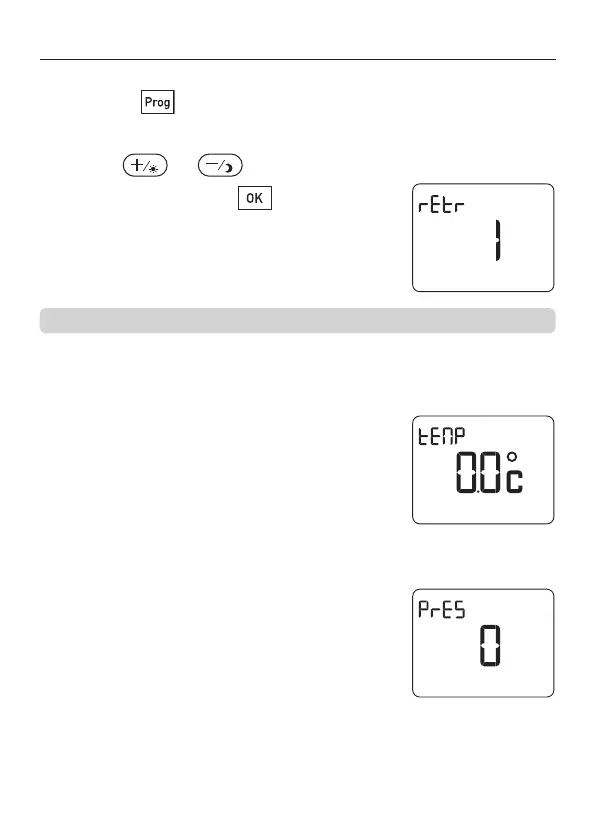
3 - Setting the parameters
➊ From the Shutdown mode
➋ Press the button for 3 seconds.
The unit displays the first parameter.
Press the or buttons to set the value
and validate by pressing .
Backlight
1 = Backlight activated (Default display)
0 = Backlight deactivated
Correction of the displayed temperature
If you observe a discrepancy between the
room temperature (thermometer) and the
temperature measured and displayed by the
unit, this parameter allows you to correct this
discrepancy. Correction possible from – 3°C
to + 3°C in increments of 0.1°C.
Presence detection
The activation of this parameter requires a
presence detector on the installation
1 = Presence detector activated
0 = Presence detector deactivated (default)
Use of the backlight reduces the lifetime of the batteries
2705157_rev3_not_TAP_ATERNO_SMART 17/12/2019 12:32 Page 26


 To Next Page