Aerosol Photometer
Aerosol Photometer - 2i 32
Basic Operation
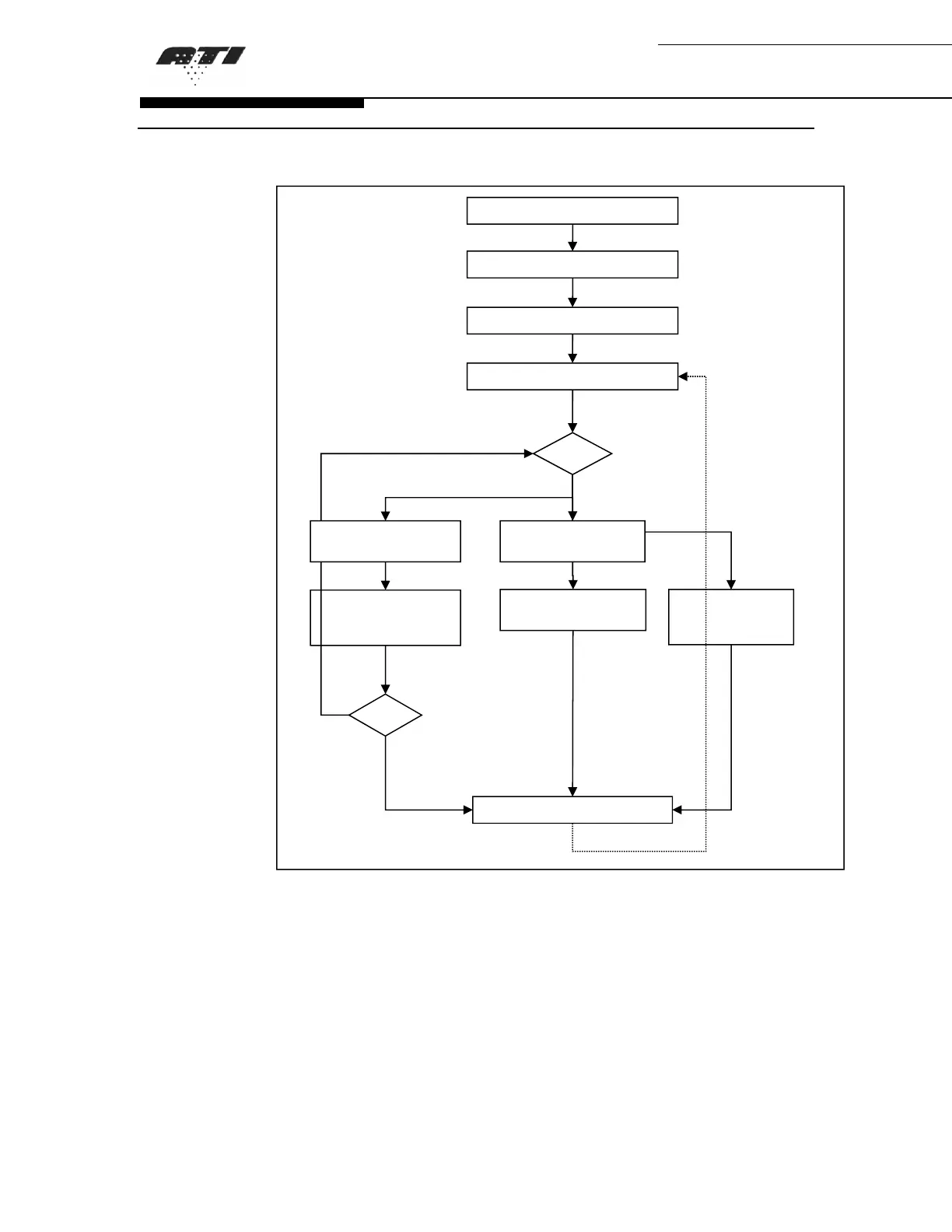
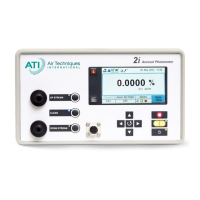
Figure 5: Basic Operation of the 2i Aerosol Photometer
It is recommended that all routines be completed in
the order they appear above to ensure reliable unit
operation. Completion of these routines will provide a
daily confirmation of the operational state of the
photometer.
Step 3 Establishing Zero Level
Step 2 Initialization
Step 4 Main Menu
Step 7 Performing Leak Testing
Step 1 Power On
Proceed
Exit
Step 6 - a
Set 100% to Upstream
Concentration
Step 6 - b
Set Internal Reference
Step 6 - c
Use Previous 100%
Settings
Step 5 Selecting an
Aerosol
Step 5 Selecting an
Aerosol


 To Next Page