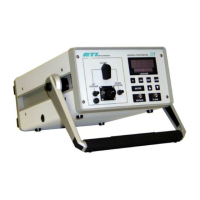
Aerosol Photometer
Aerosol Photometer - 2i 52
Use Previous 100% Settings
When selecting this option, the instrument will reset to
the previous 100% setting. It allows the operator to
move the instrument to a different electrical outlet
while minimizing the startup time.
i
Note
When using this function, make sure that your upstream
aerosol challenge stays identical.
Re-establish Zero
If there is a concern that the zero baseline may have
drifted, the operator may re-zero the instrument at any
time by selecting this option form the main menu.
The highlighted selection will flash until the instrument
has completed the re-zeroing process. Once the
operation is complete the display will revert back to
displaying the leakage value.
i
Note
When the instrument drifts too far from zero a warning will
be displayed asking if the user would like to re-establish the
zero.


 To Next Page