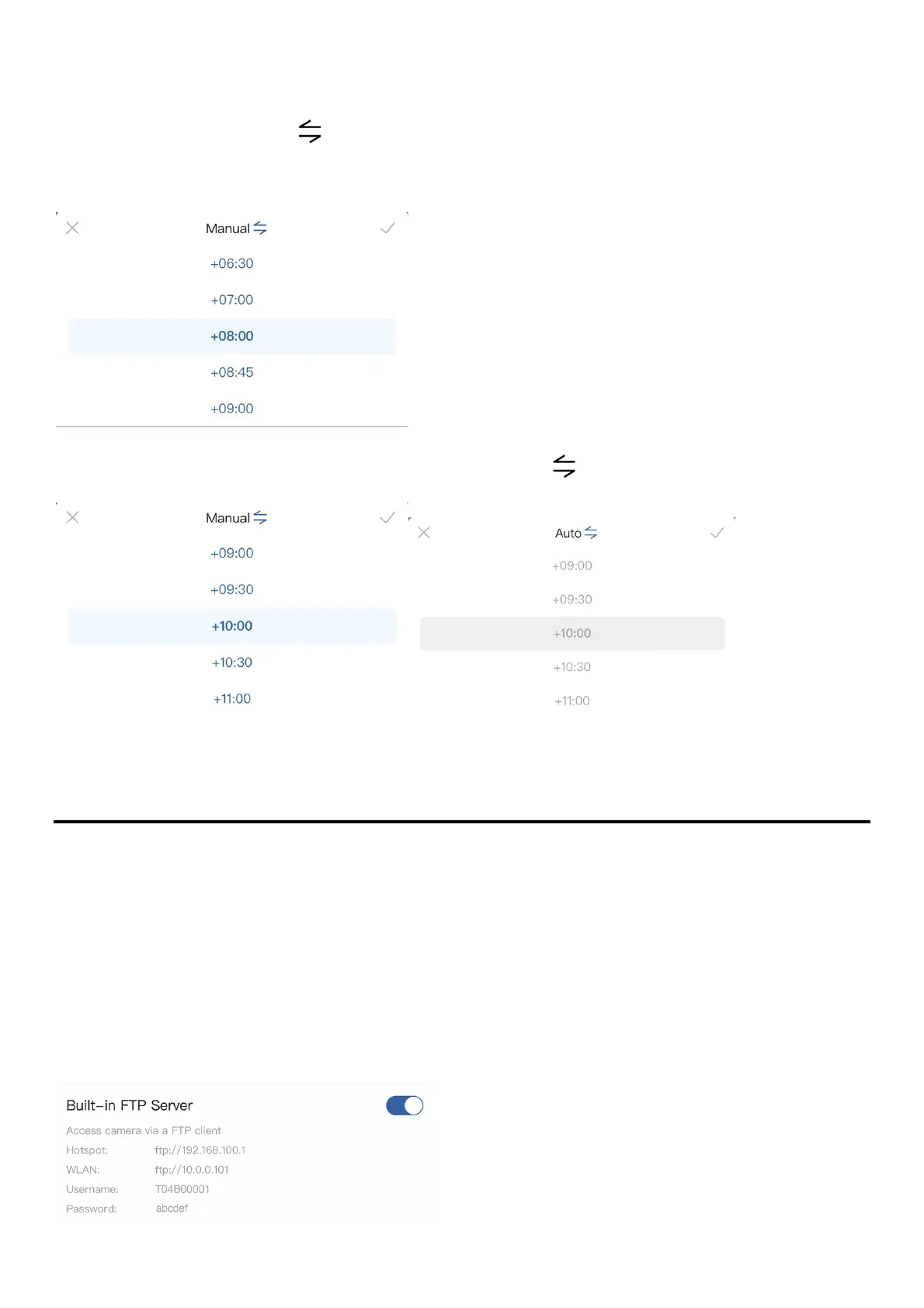
If the Time Zone is not assigned correctly, it can be set manually.
Setup
1. Tap on Time Zone > Auto [ ] to switch to Manual.
2. Select a preferred time zone for the display on the time stamp.
To reset the time zone to the default setting, tap on Manual [ ] to reset.
Built-in FTP Server
*T-100 Lite does not support Built-in FTP Server.
The camera is equipped with a built-in FTP server for direct access by a FTP client.
When this feature is enabled, the FTP login information is displayed.
When accessing via the camera Wi-Fi, enter the FTP server address in a FTP client as
the Address via Hotspot.
When accessing via your local Wi-Fi, enter the FTP server address in a FTP client as
the Address via WLAN.



 To Next Page