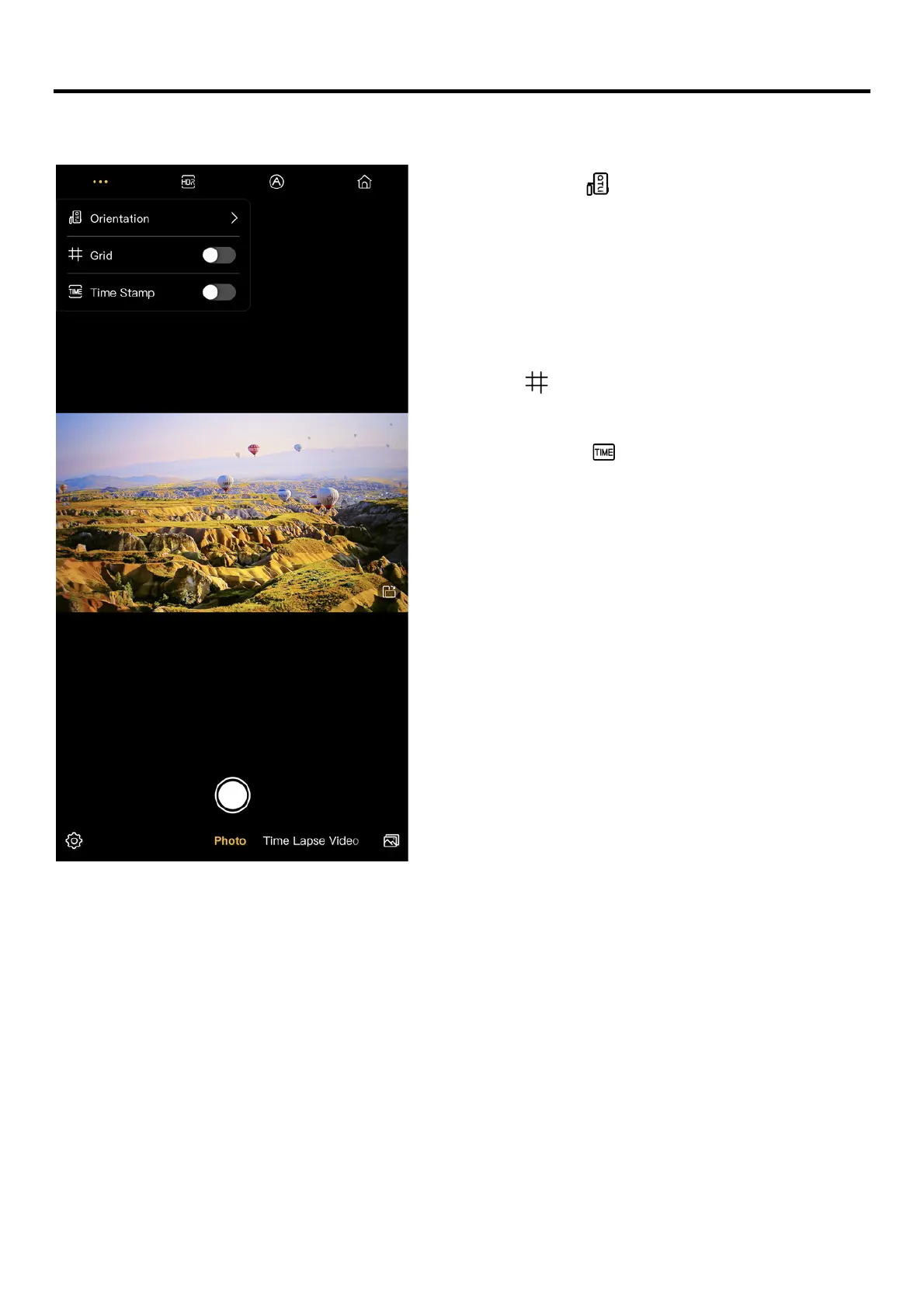
• Orientation [ ]:
The orientation setting automatically
adjusts the on-screen image display for
viewing and recording.
Select a rotation that matches the
orientation of the camera.
• Grid [ ]:
Displaying gridlines on the screen.
• Time Stamp [ ]:
Adding a time stamp at the left corner
of the screen.



 To Next Page