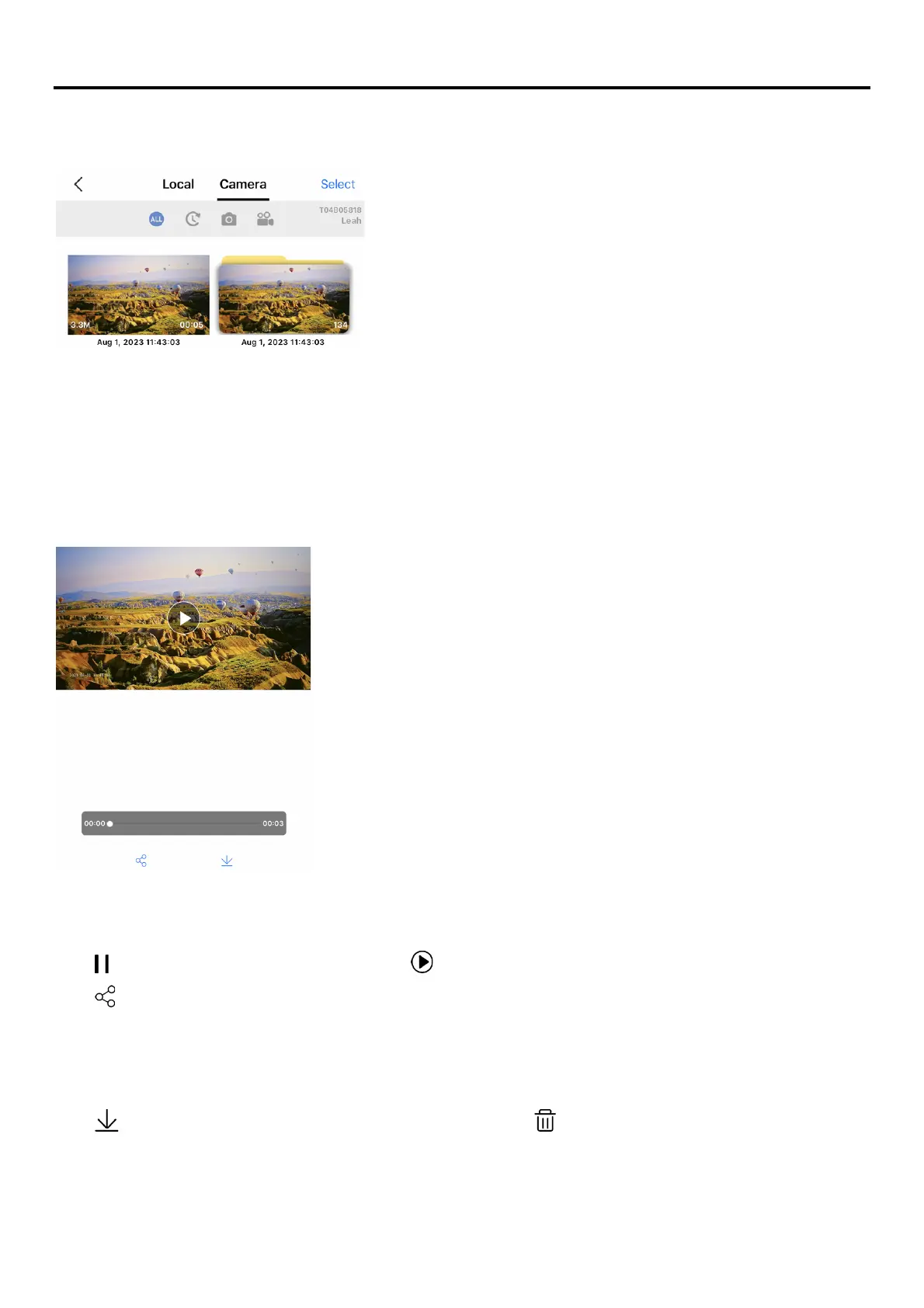
Album
Use albums to view and organize your videos and photos. There are two different types of albums in the
Album: Local and Camera.
Camera album: This album refers to the storage on microSD card. All videos and photos captured will
automatically be saved in the camera album once you’re done shooting.
*The camera album is accessible only when the camera is connected to the app.
Local album: This album refers to the collection of videos and photos downloaded on your mobile device.
*Contents in the local album is accessible on the app at any time without having your camera connected to
the app.
Playing video
Open Camera album > Tap the video you want to display > The video starts playing automatically.
Tap [ ] at the bottom to pause the video. Tap [ ] at the bottom to play video.
Tap [ ] at the bottom to share the video. The video will first be downloaded to the phone and then a pop-
up screen asking for selecting the sharing method/channel.
Managing Footages
Open Camera album > Tap [Select] at the top right corner to select the footages
Tap [ ] at the bottom to download the footages selected, tap [ ] at the bottom to delete the footages.
This above method is not recommended to manage footages with a large memory size due to the limited
Wi-Fi bandwidth. It is recommended to read the data directly from the microSD card (a SD Card reader
required) via a computer.



 To Previous Page