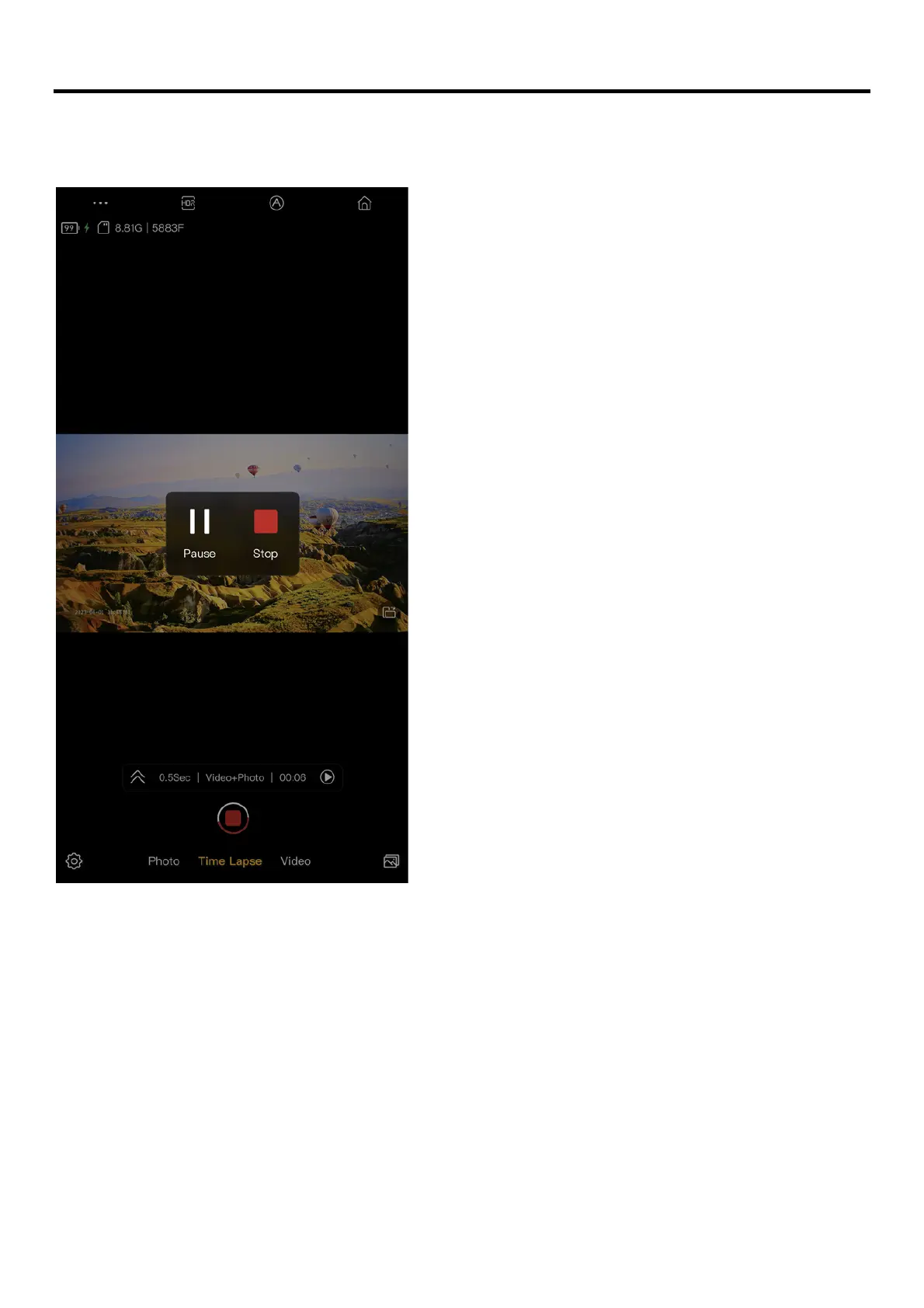
Change settings on the fly
Upon previewing the video, it is possible to pause the video and make necessary changes to the
settings without ending the recording.
Note
Changes of the following settings are allowed:
- Output
- Power Saving
- Grid
- Time Stamp
- EV, Shutter Speed, ISO, White Balance



 To Next Page