Step 4:
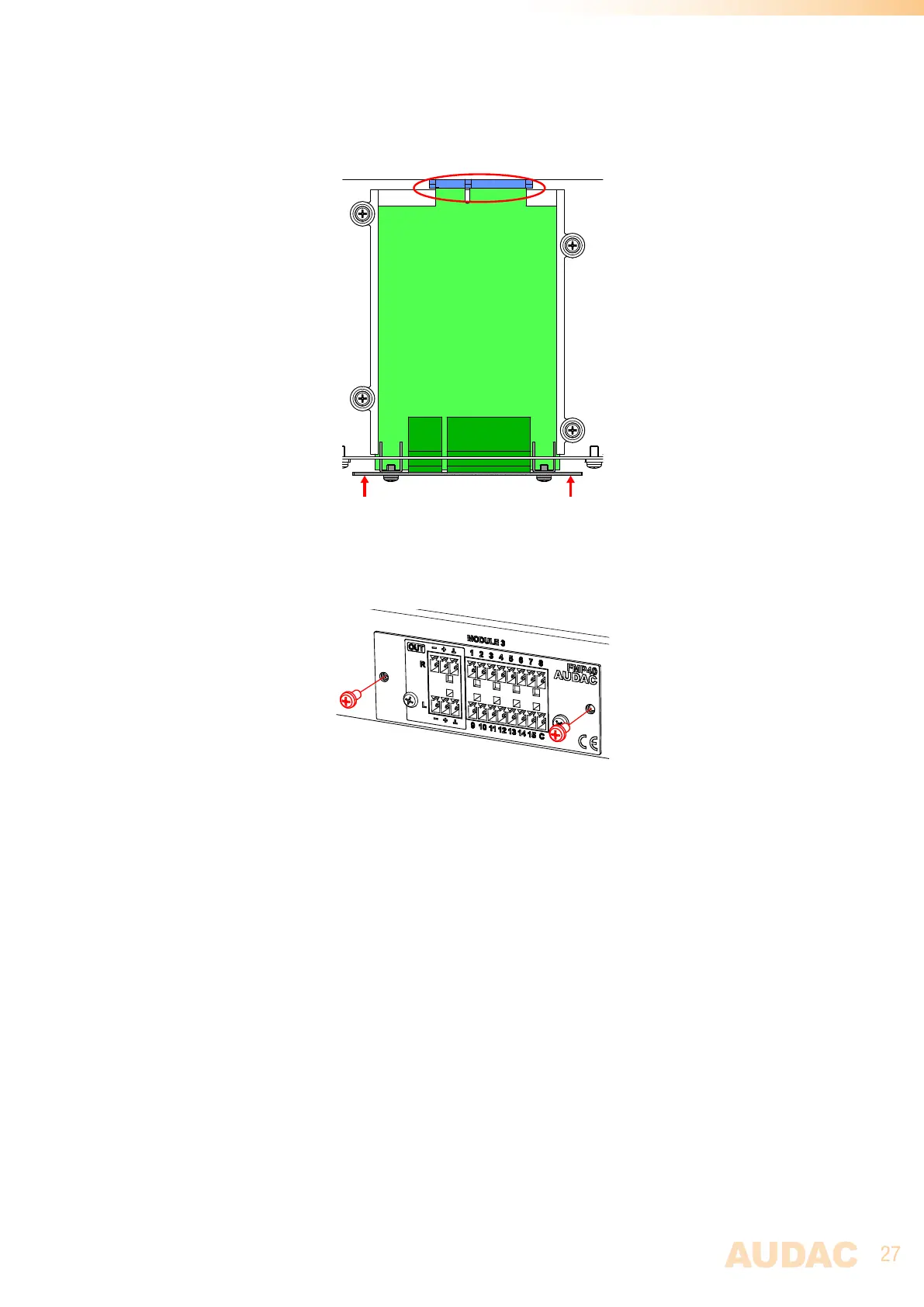
Some resistance might occur when the module’s board edge connector reaches the connection counterpart on the
main board. Gently push the module all the way into the slot to ensure that the contacts are correctly inserted. The
module is well inserted when its connection panel touches the chassis of the main device.
Step 5:
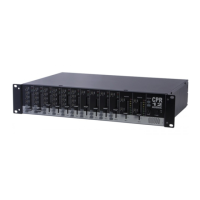
Fasten the module into the slot using the included screws. Be aware that damage or malfunctions may occur if the
module is not correctly fastened.
Step 6:
Once the modules is installed, the system can be powered on and the module will be automatically discovered by
the system software. The audio signal is internally routed to the system, and no external audio connections between
the SourceCon™ module and the MFA inputs are required.



 To Next Page