BLUETOOTH
audeeo Refresh
3
Quick Start Guide
3.4 Bluetooth Pairing - Method 2
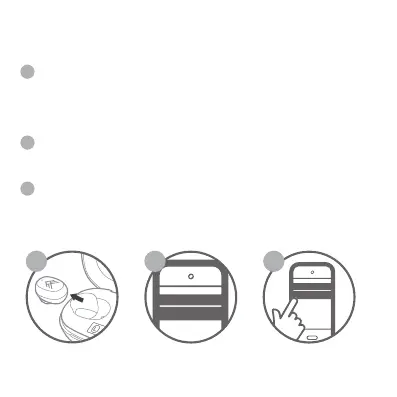
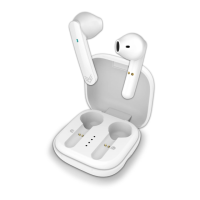
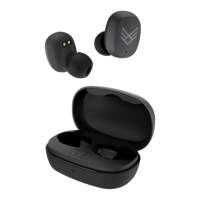
Pick up both earphones from the Charging Case Station your
earphones will automatically enter pairing mode. They will
automatically pair to one another and the LEFT earphone will flash
GREEN & RED steadily. Your earphones are now waiting to be
paired to a device.
Ensure Bluetooth is enabled on your smartphone, tablet, computer,
or music device. The earphones will appear as “audeeo Refresh” in
the list of available Bluetooth devices.
Select “audeeo Refresh” and connect.
BLUETOOTH
audeeo Refresh
1 2 3
1
2
3
ITEM: AOREFR


 To Next Page